Preview|Desktop messages
Send a message
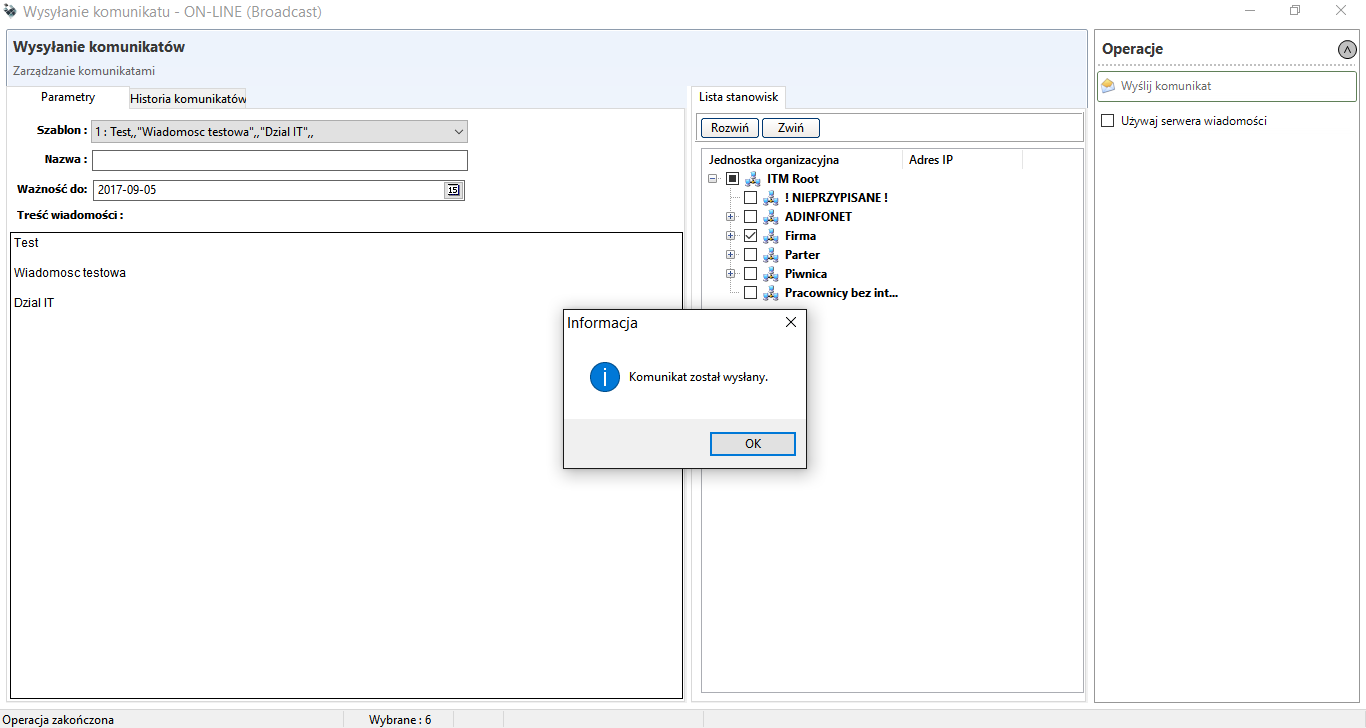
This option allows the console operator to send a message to multiple users on the basis of an organisational unit. Additionally, the user has the possibility to set the expiry date of the message (thanks to it, the users absent on the day of creating and sending the message have the possibility to get acquainted with its content in the following days).
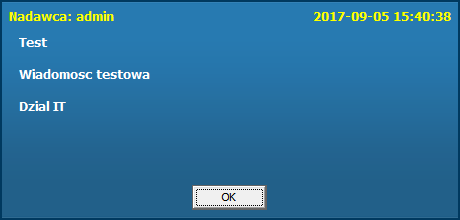
As was the case when sending a message to an individual user, after sending the message the user receives it in the form of a balloon as shown in the screenshot below.
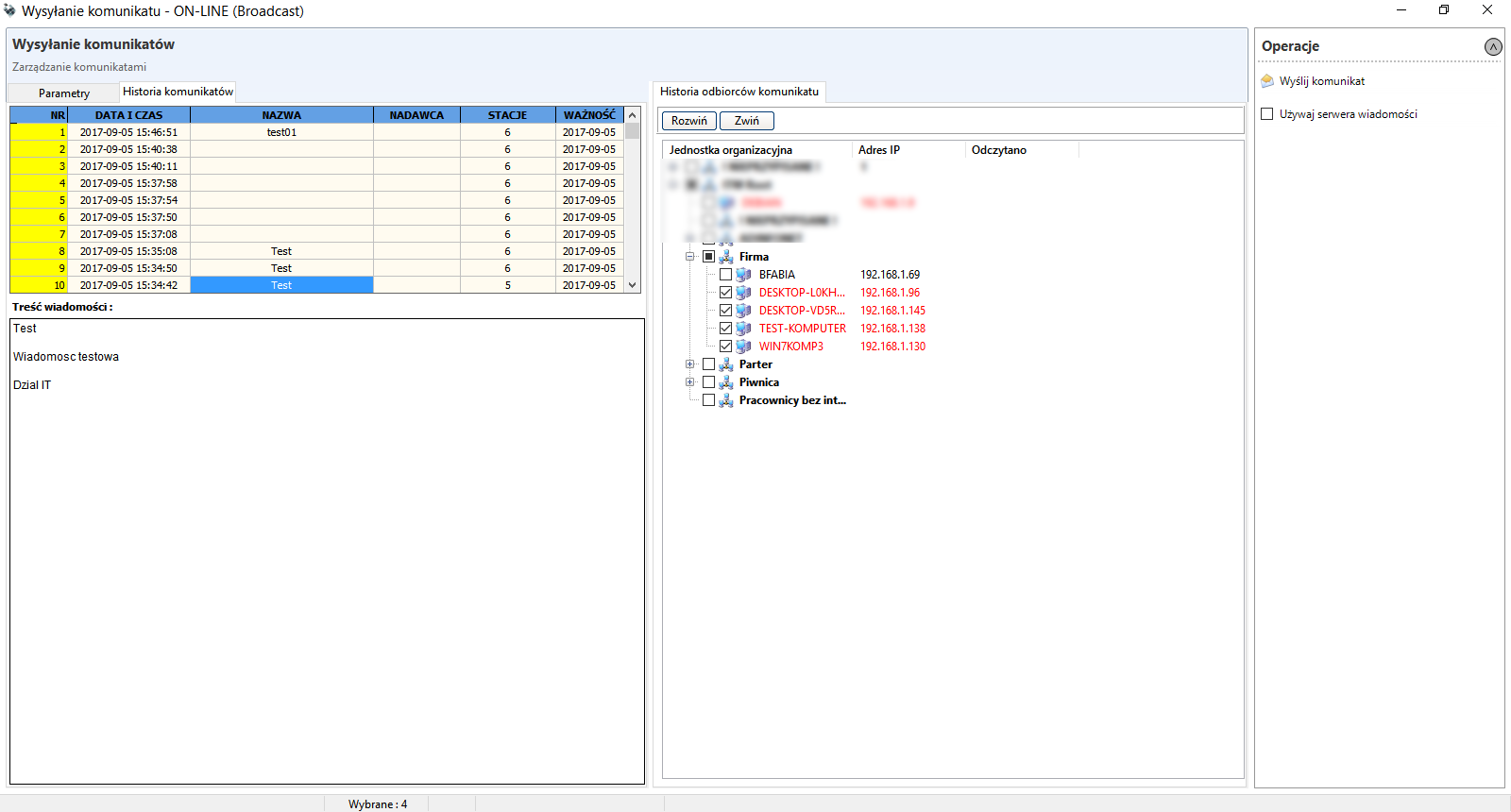
When sending a collective message, the console operator can use the option Messages history to check which computers the message was sent to.
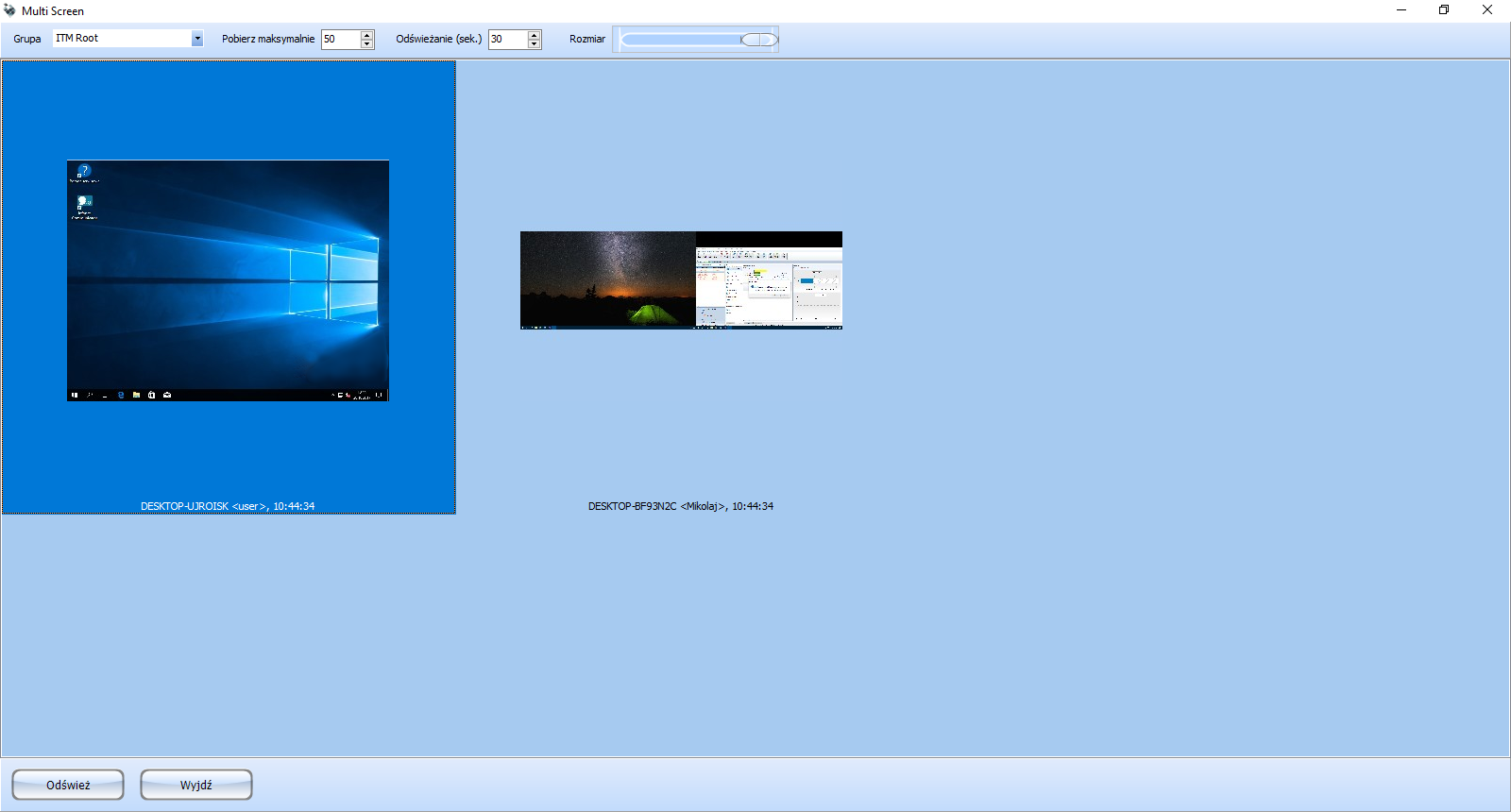
Multi screen
Multi screen - allows you to preview the desktops of all computers with active agents.