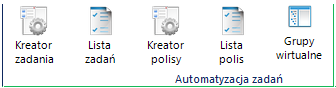
Policy Wizard
Policies are a second type of distribution consisting of cyclical execution of pre-defined actions in templates. The procedure for creating a policy is identical to the task, the only difference is setting a schedule in which You can also set the repetitions.
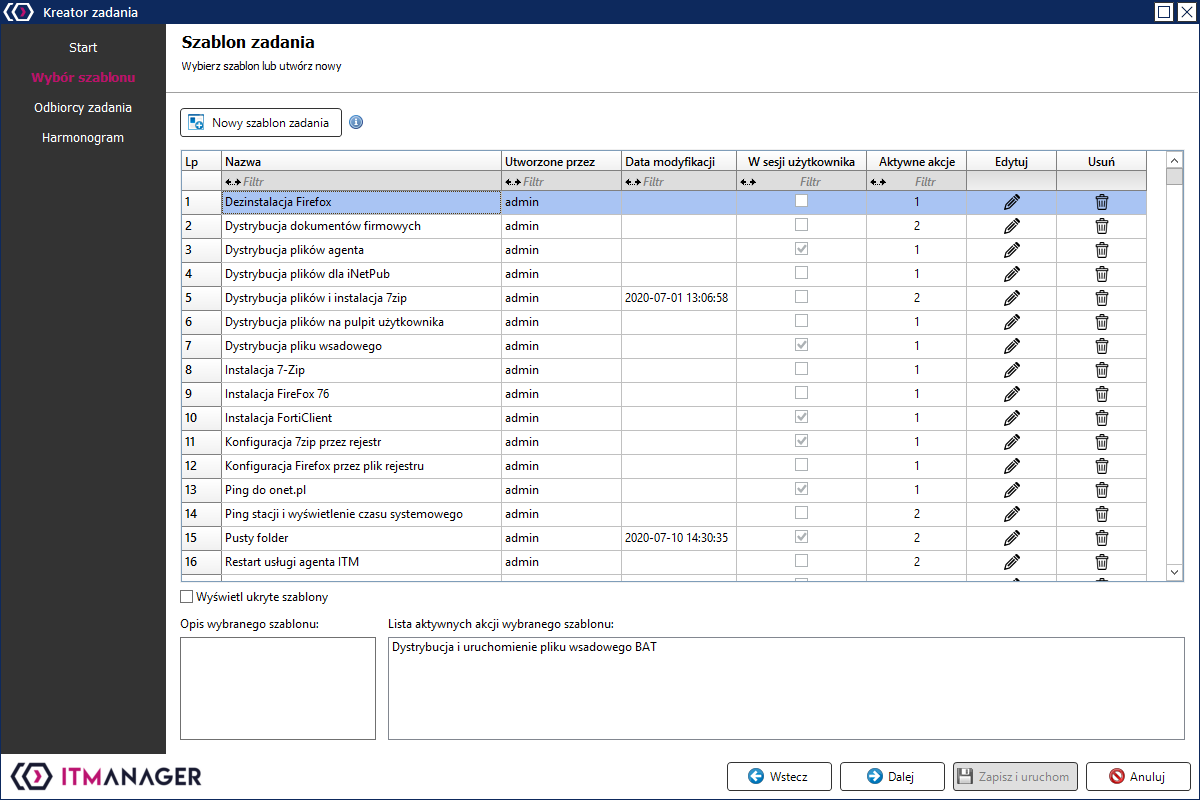
To create a policy, go to Policy Wizard and select an already existing template or create it again using the button New task template
The template must have a name, the template description is optional. The option to run the task in a logged-in user session means that The task will be launched on every user logged in to the computer.
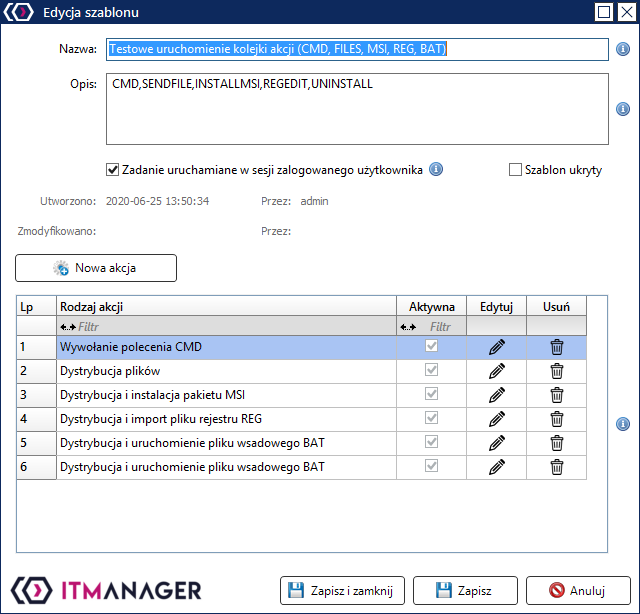
To save the template you need to add actions New action, the actions are available in the drop-down list Action type
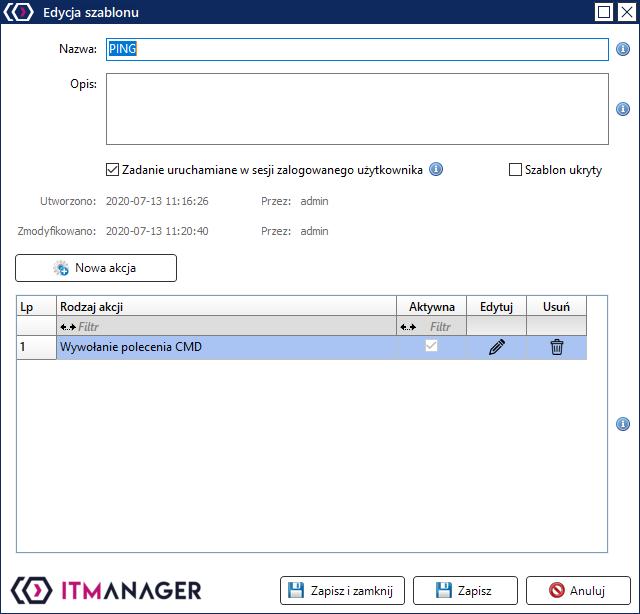
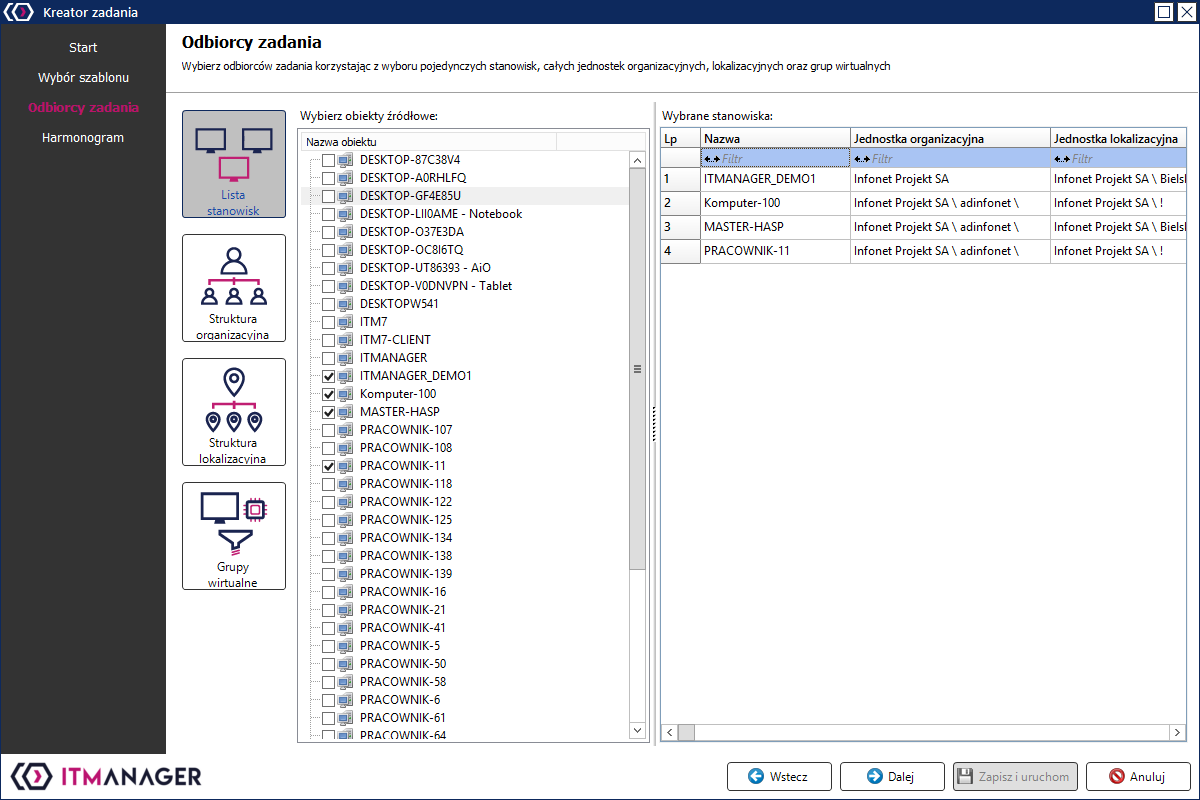
Save Template under the addition of the action and proceed to the selection of stations where the action(s) will be performed. Stations can be selected individually from the Workstation List or in groups using organisational, location-based or virtual units.
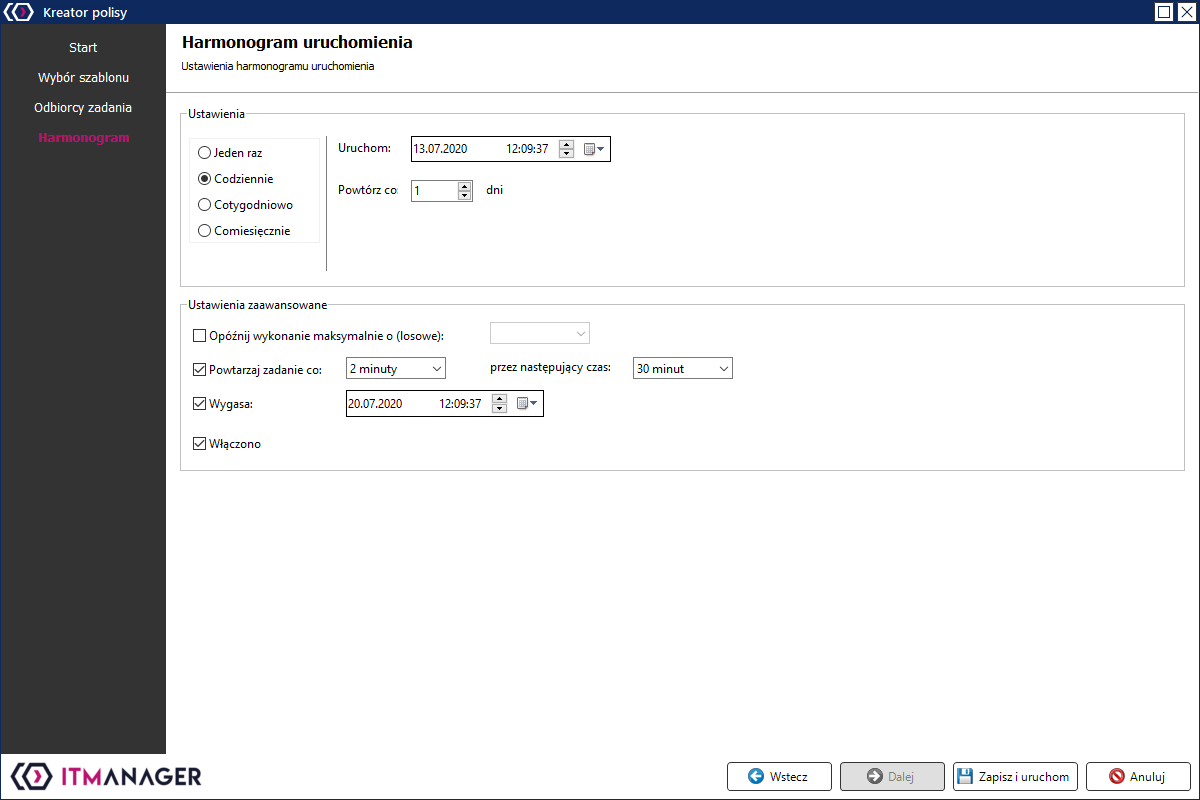
In the last window, set the start time of the task and additionally the interval with which the tasks are to be performed the policy can also be configured for how long the policy is to perform the previously declared tasks.
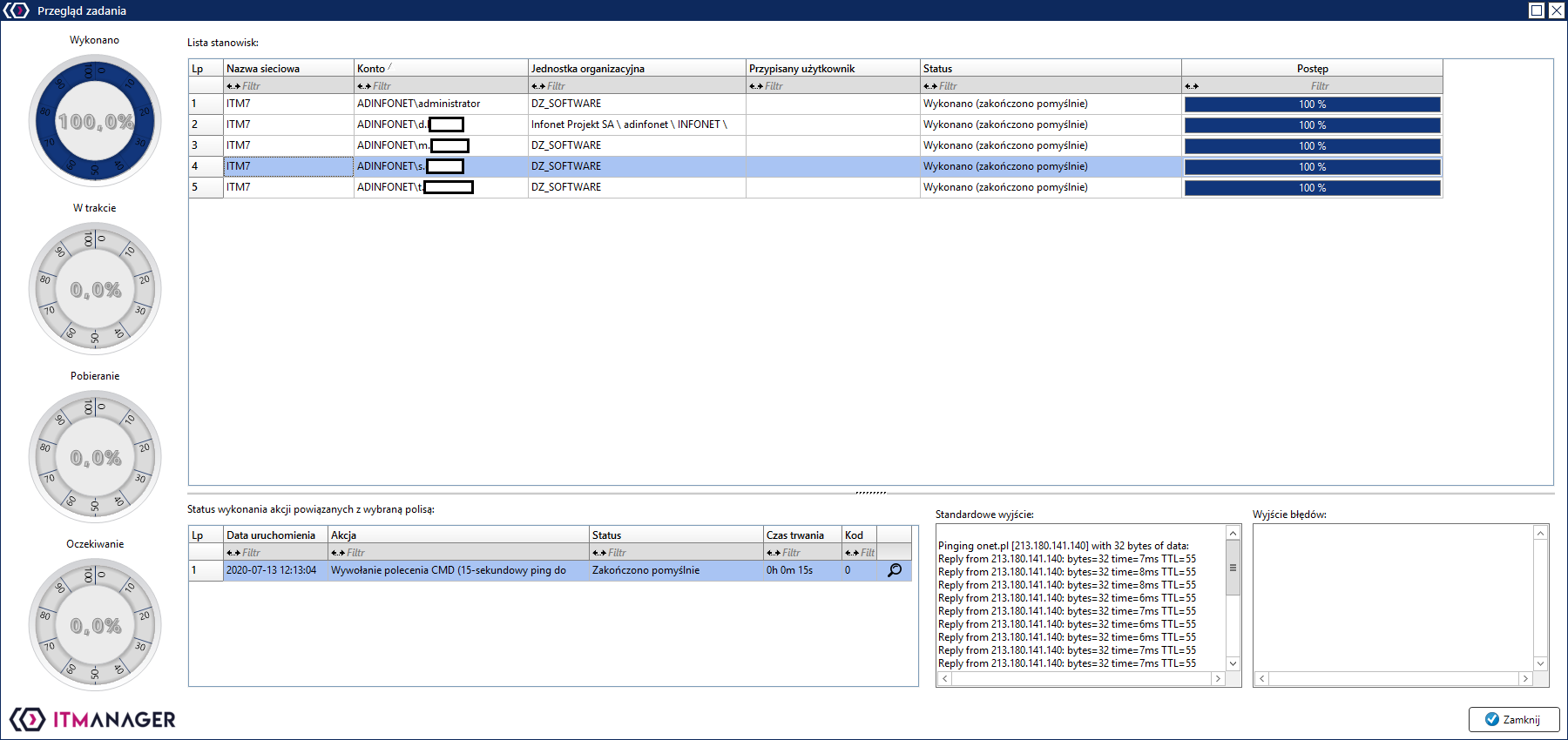
After saving and running the template, a window with a view of the distribution progress will appear.
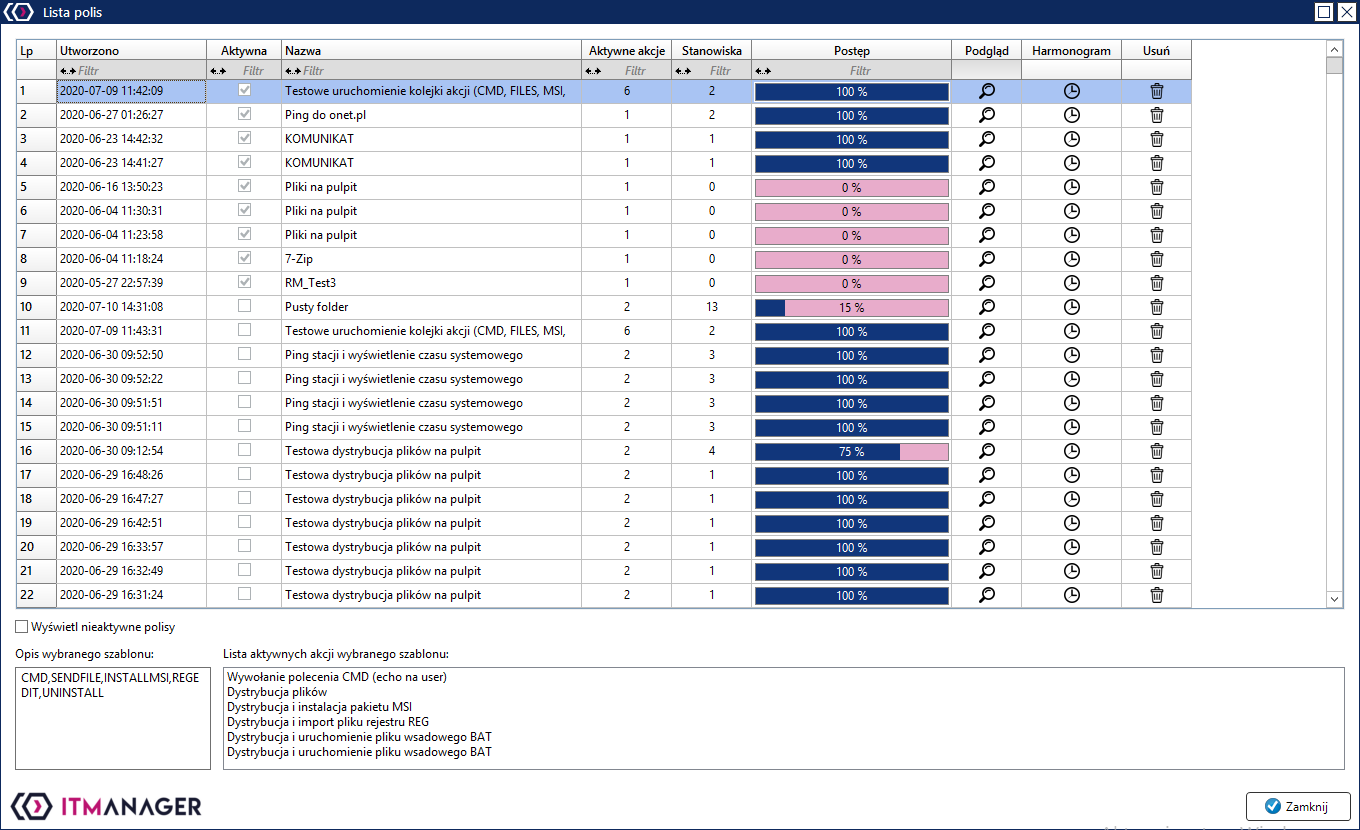
Policy List
In the view of the list of tasks, you can view all the tasks with the possibility of removing them and editing the schedule.