
View
The module's window Optional Infrastructure Management contains information about the scans collected by the Agent in terms of software, configuration, processes and files.
With the menu Information you can quickly access the following functions:
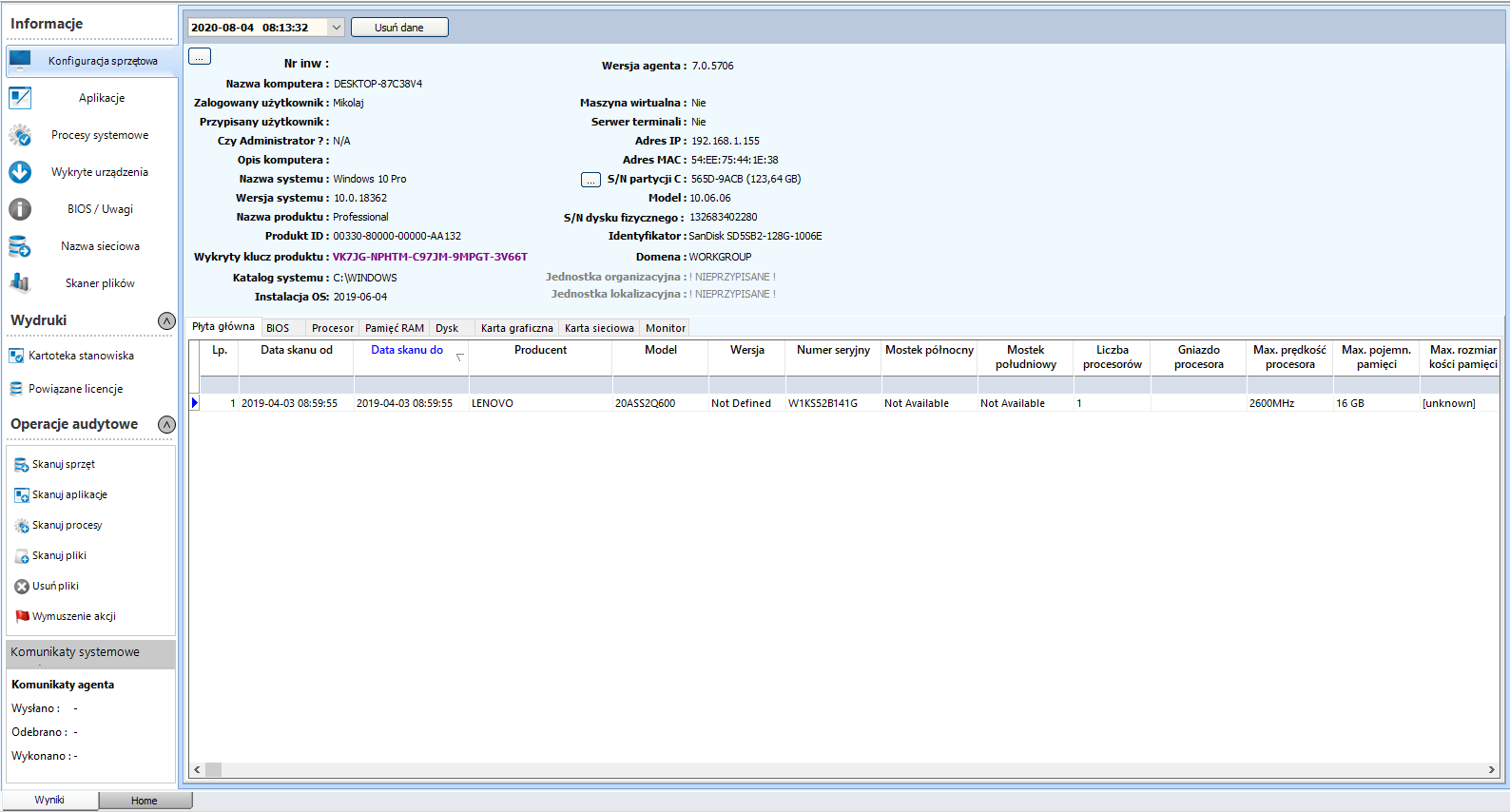
Hardware configuration - contains information about the hardware configuration of the workstation.
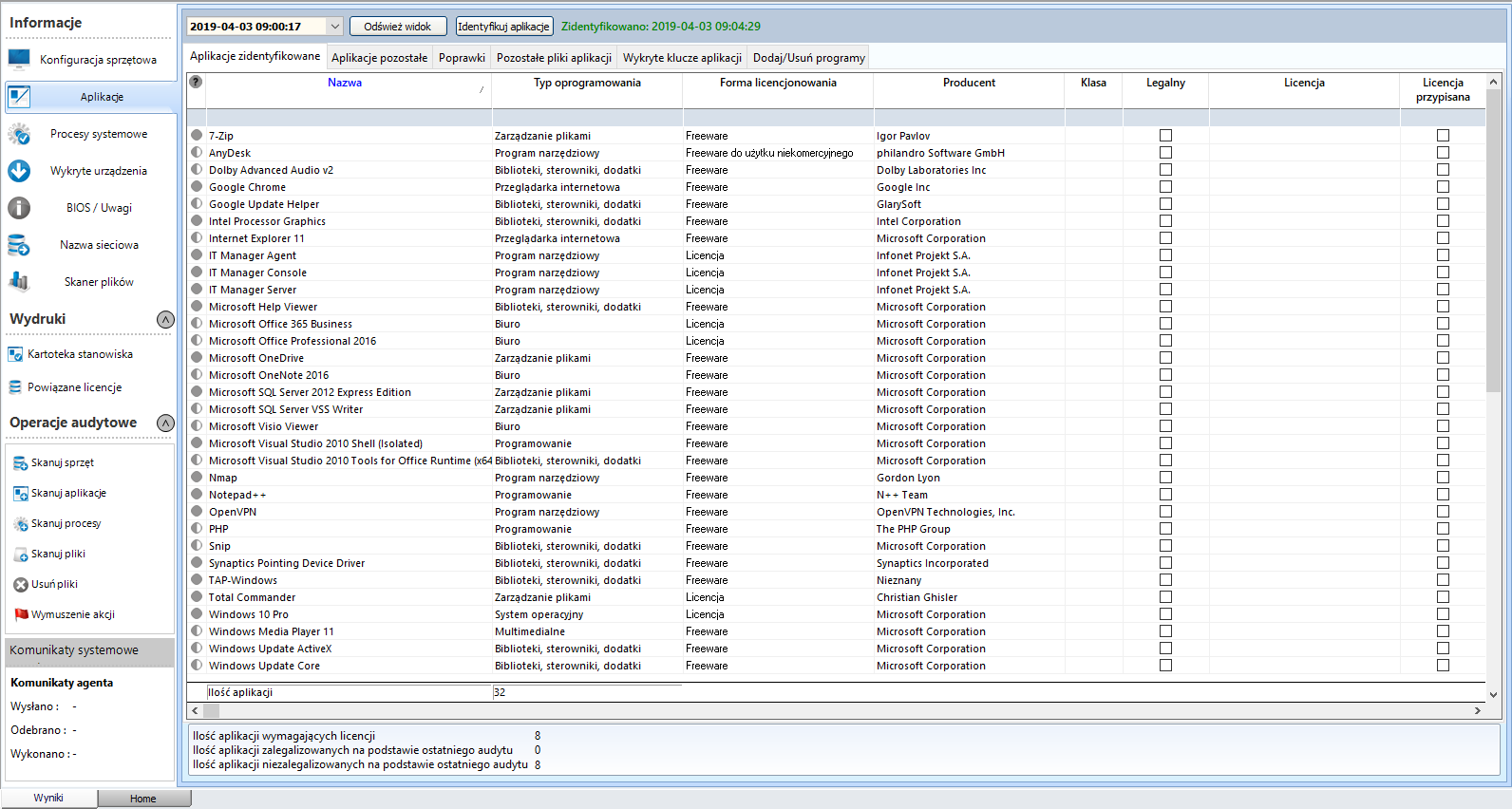
Applications - window of detected and identified applications for the selected position.
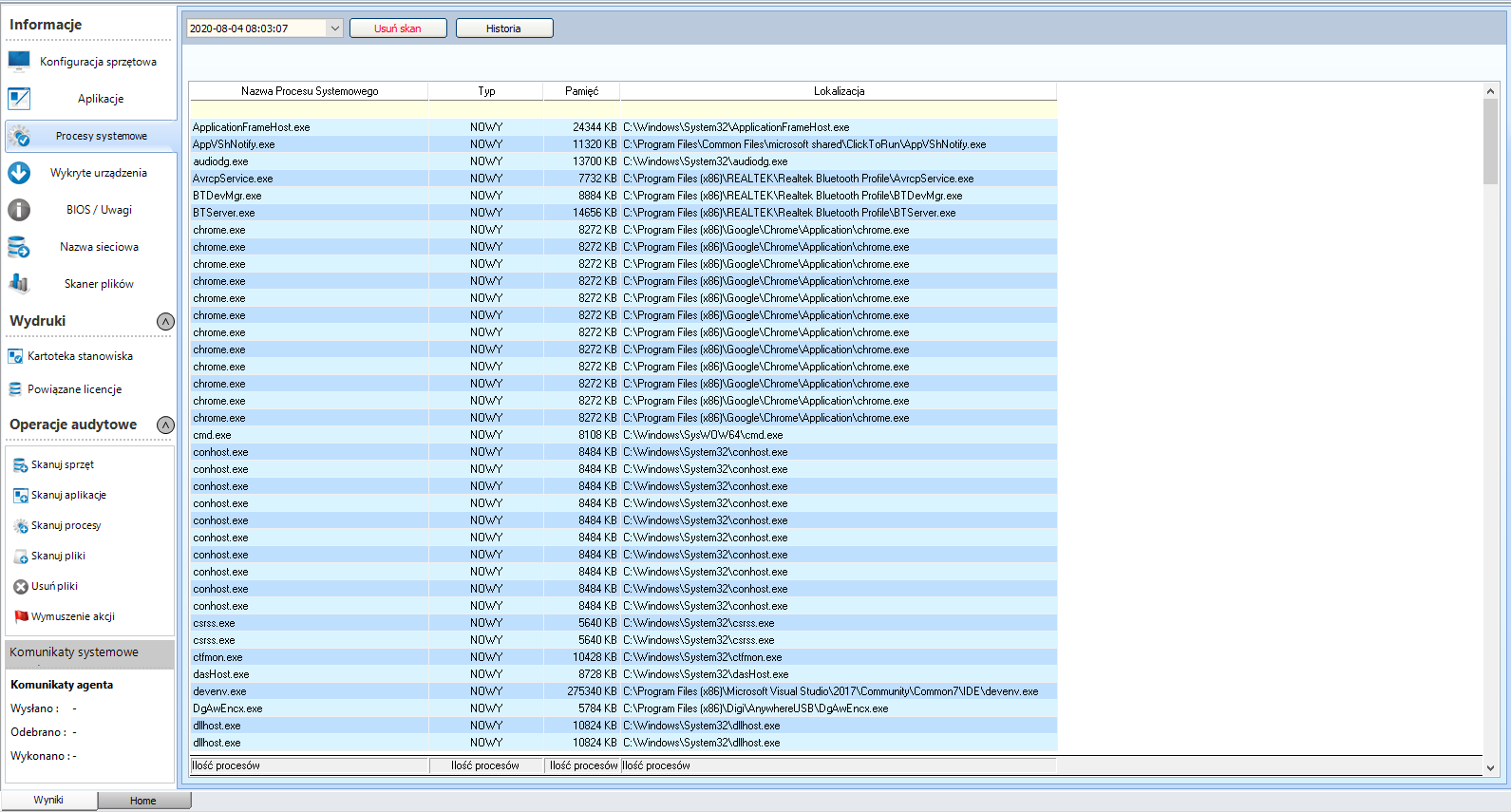
System processes - list of processes running on a given computer.
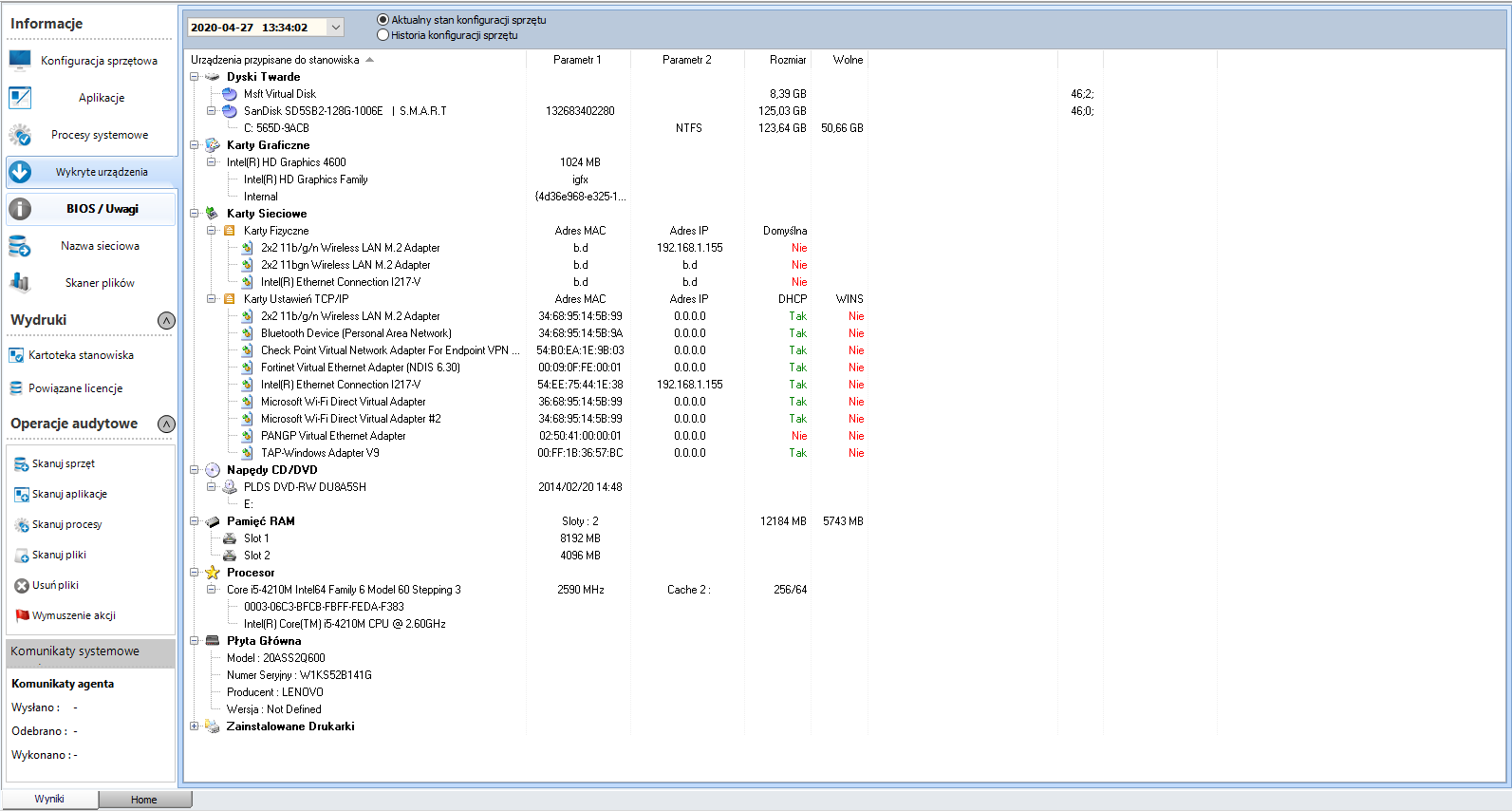
Detected devices - list of detected devices and hardware configuration of the computer station.
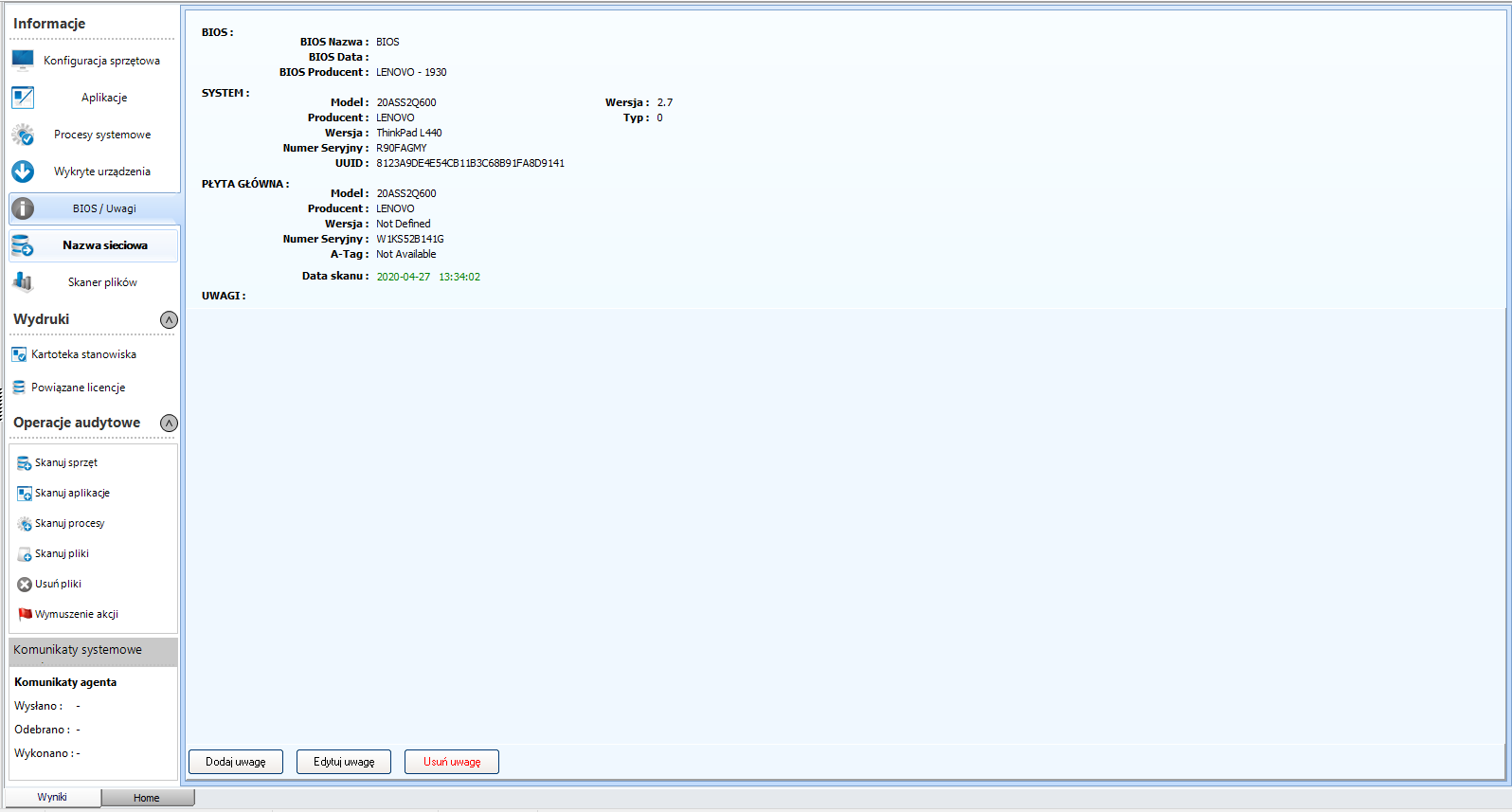
Bios/Comments - basic information about the BIOS version and motherboard of the selected workstation.
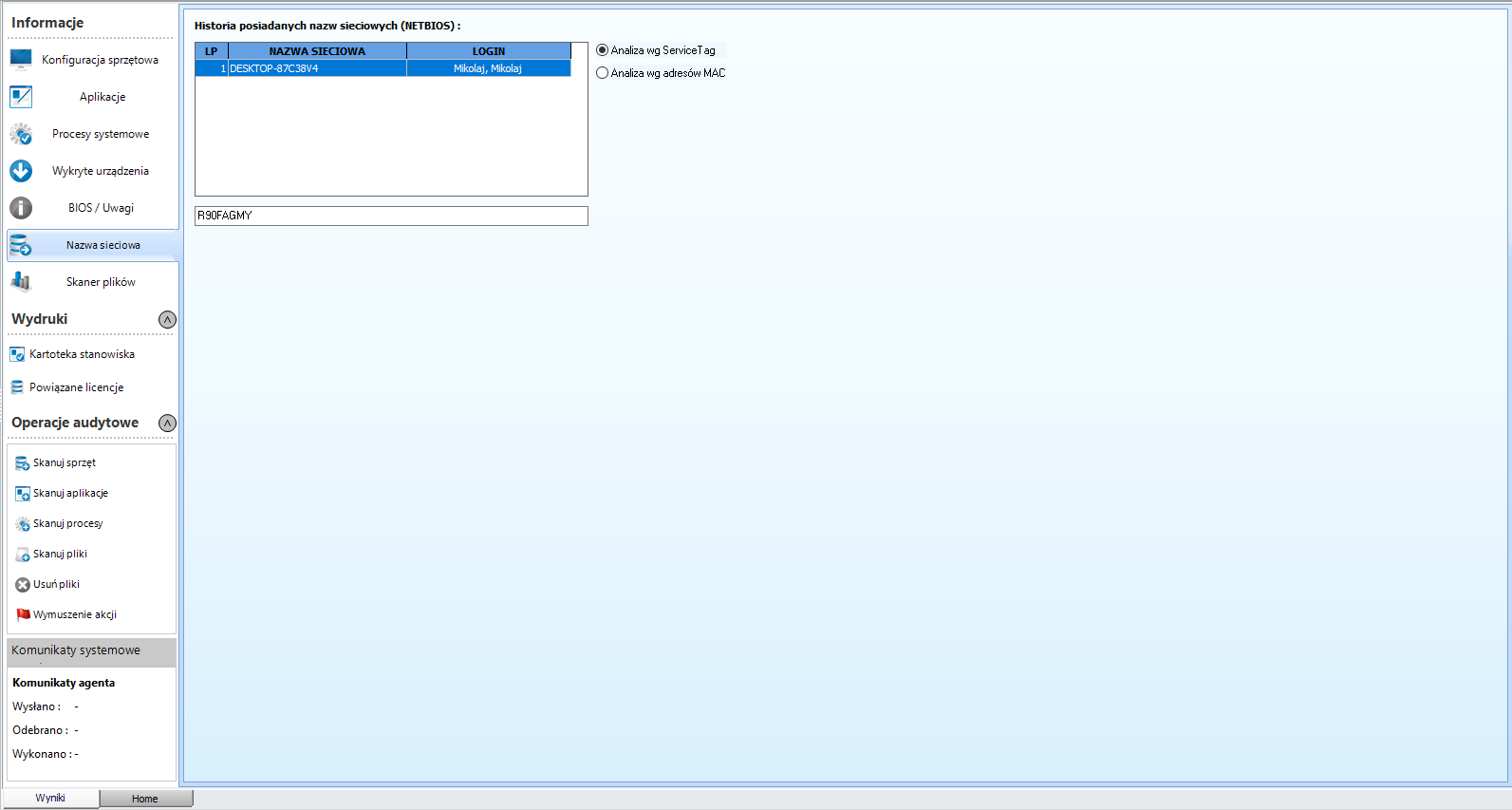
Computer name - network computer name for the selected position.
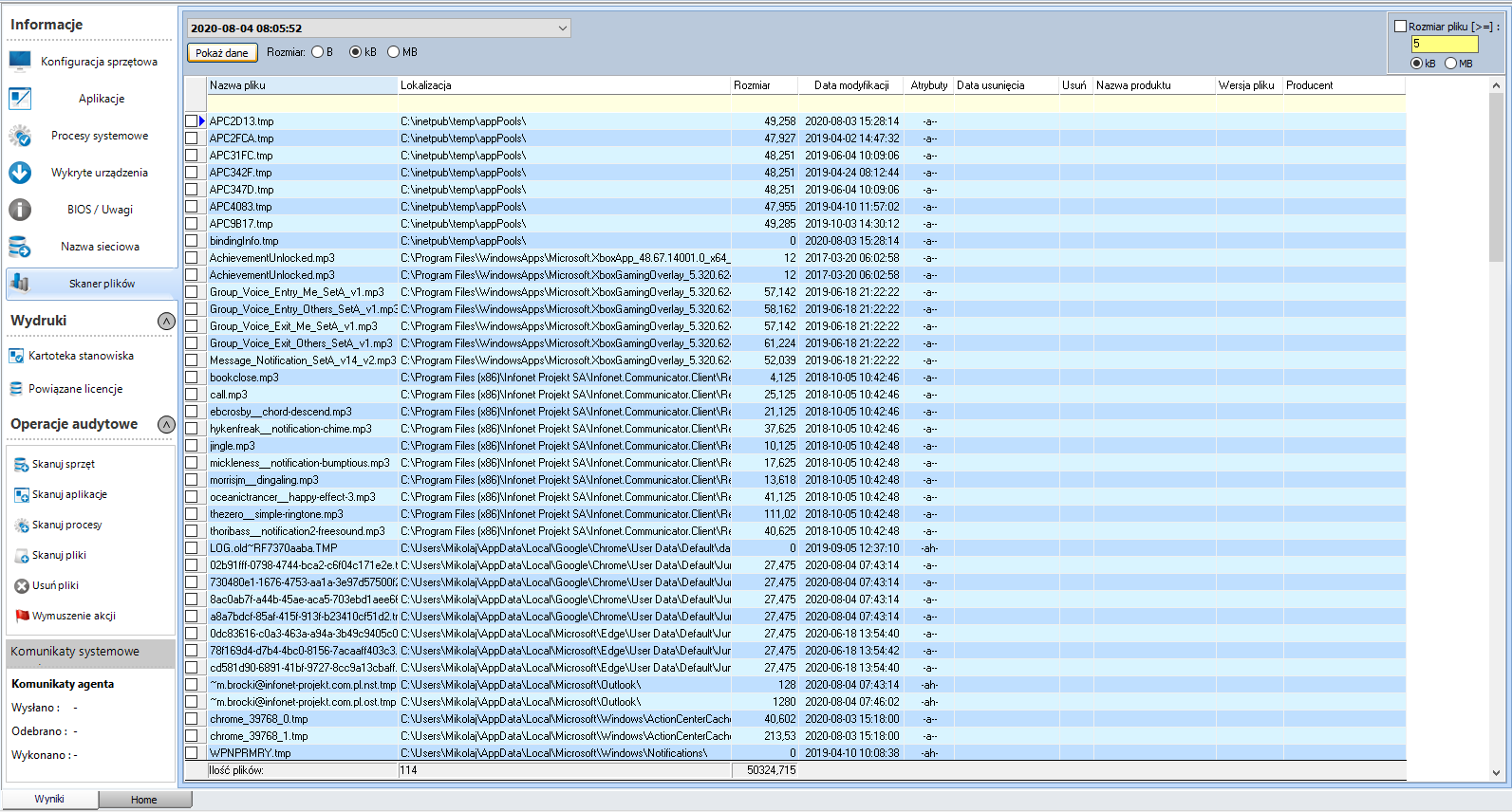
File scan - scans files for the selected stations.
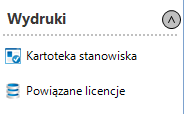
Printouts - contains two prints generated from scans for the currently selected computer station.
Audit operations
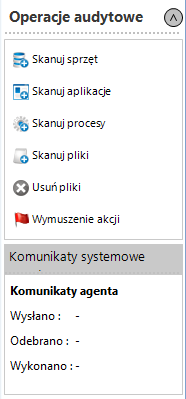
Scan hardware - forces a hardware scan.
Scan software - scans applications and hardware (complements hardware scan).
Scan processes - enforces an additional scan of processes specified in the agent's configuration.
File scan - scans the computer for files with extensions selected in the agent's configuration. Agent configuration
Delete files - removes audited files.
Force doing action - performs immediately scheduled actions, such as: updating the agent, uninstalling software, etc.