Users monitoring - Articles
User activity during working hours
To view the specific pages that a user has visited during the day while working, please go to Users monitoring->User activity.
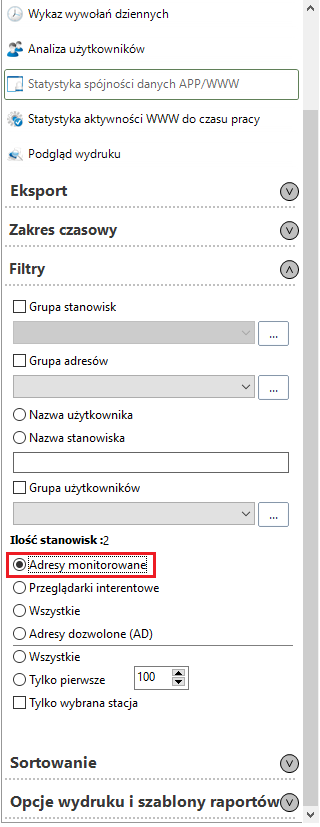
Then, on the right hand side of the newly opened window, expand the list Filters and select Monitored addresses.
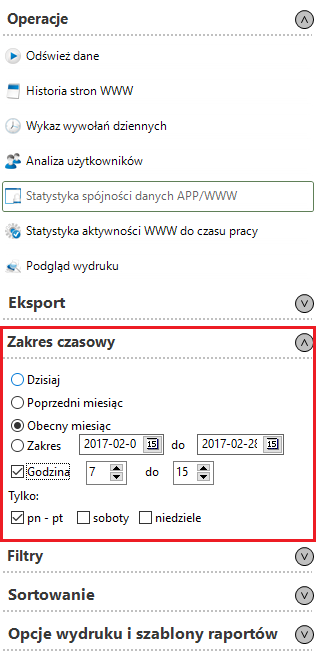
The next step will be to expand the list Time range, where you can choose the exact date or time of work.
Once the filters have been set, select the position and on the panel on the right, select User analysis.

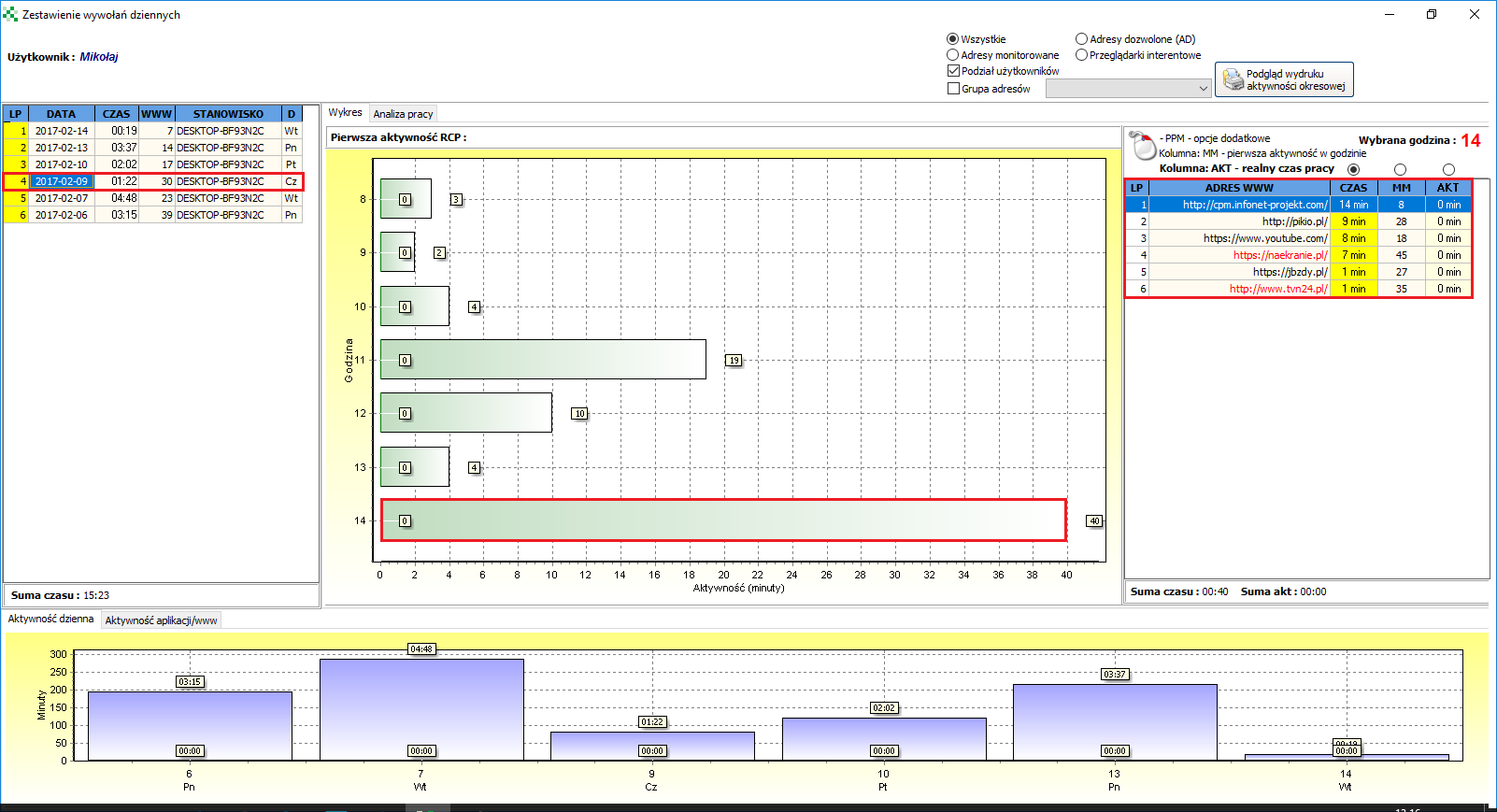
A new window provides a preview of the pages that the user has visited on specific days and times. By clicking on the date and then on the relevant list in the bar chart, you can see what pages were visited during those hours.