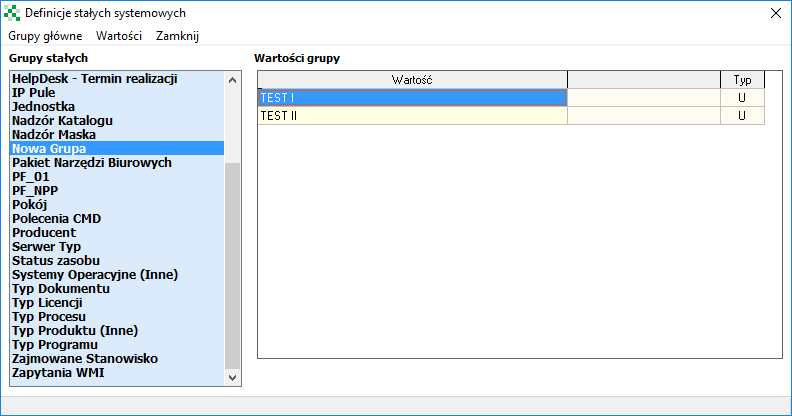
System constants
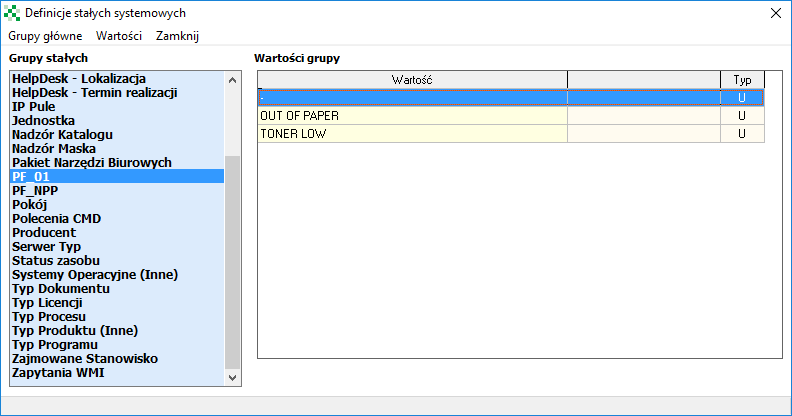
System constants act as a dictionary in which values appearing in many selection lists in the program, such as building, room, supplier, etc., are saved.

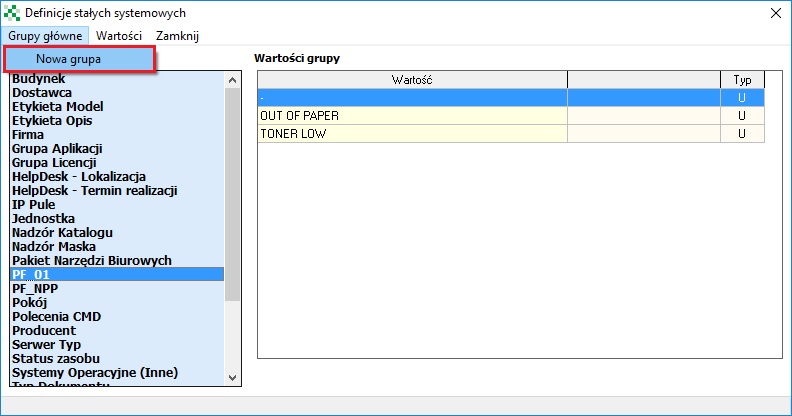
To add a new group, select New Group from the Main Groups menu.
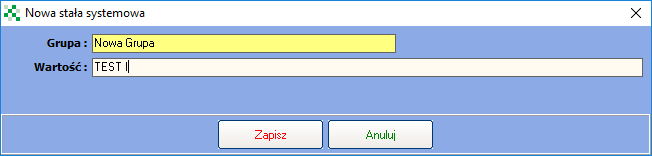
To add/edit a selected group, a new value must be selected from the Value menu.
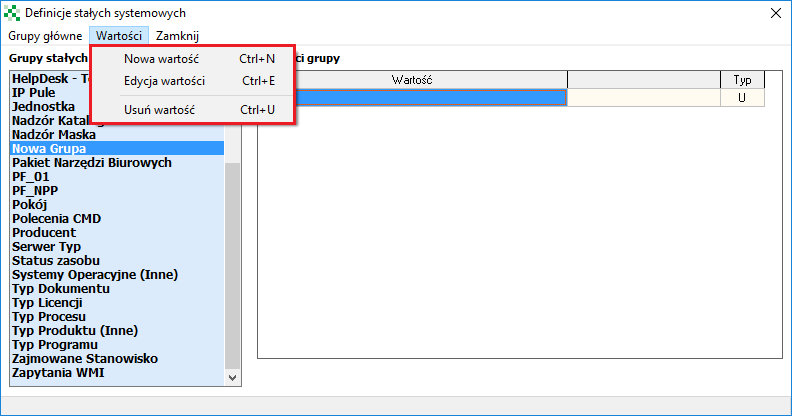
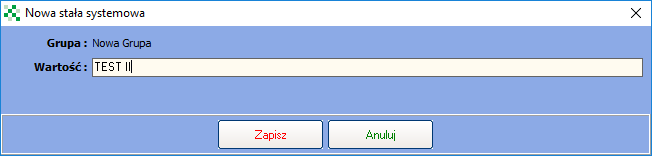
Added groups will appear on the left side of the active window, while added values will appear on its right side. The last column with the name Type indicates whether it is a system data (letter S) or a user created data (letter U).