
Reports
Console
Prints and reports are available in the console for the modules IT infrastructure management and Users monitoring under the button Printout editor.

When you open the print edit window, a list of all printouts available for the module will be displayed.
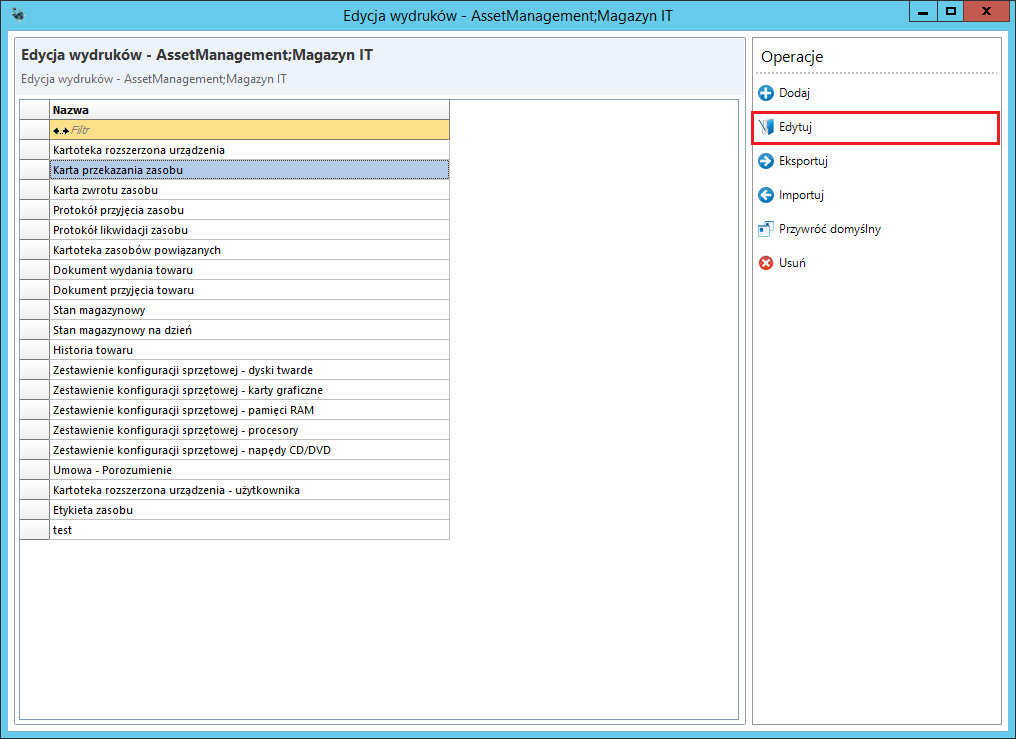
To edit the printout, click Edit.
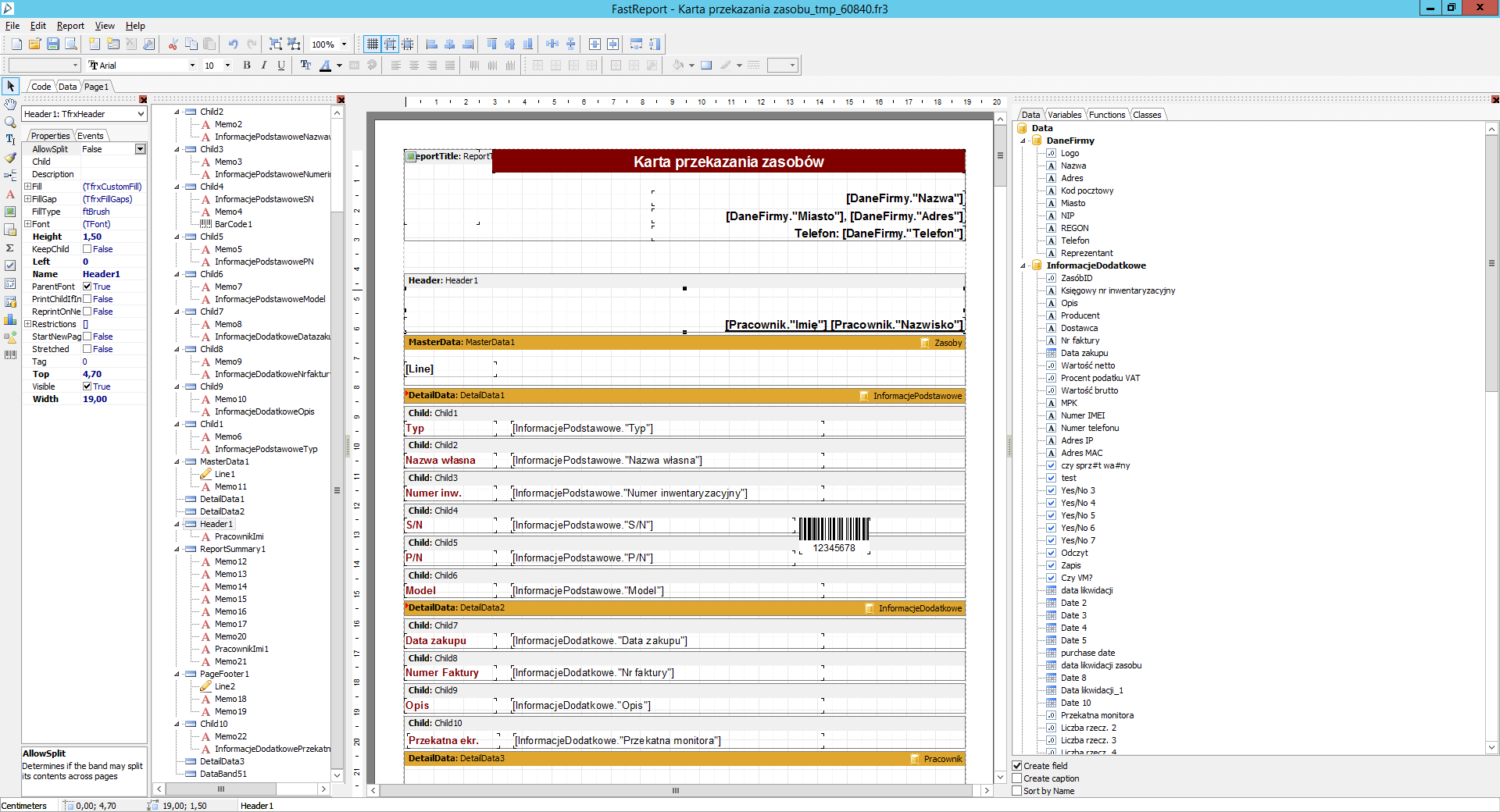
A print template will be opened, in which the position of the fields can be manipulated
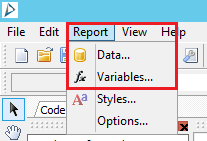
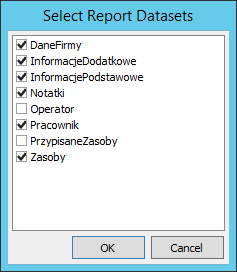
In order to add additional information available for the report, go to the tab Report->Date.
Adding barcodes
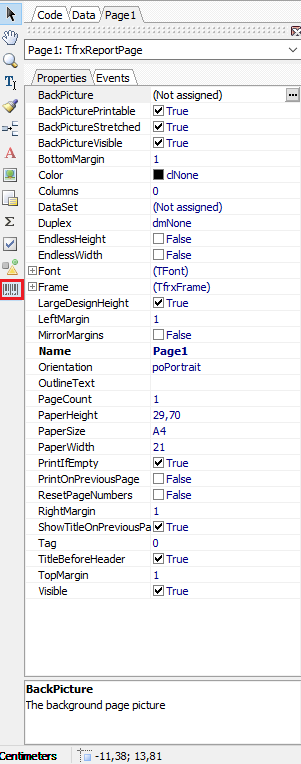
Select the appropriate code format from the drop-down list and place it on the printout in the appropriate place.
After placing the code on the printout, the editing window will open
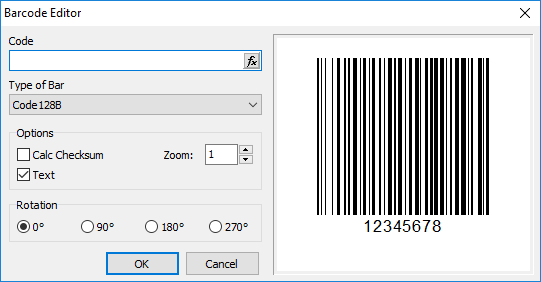
In the "Code" tab, select the item that will be represented by the barcode.
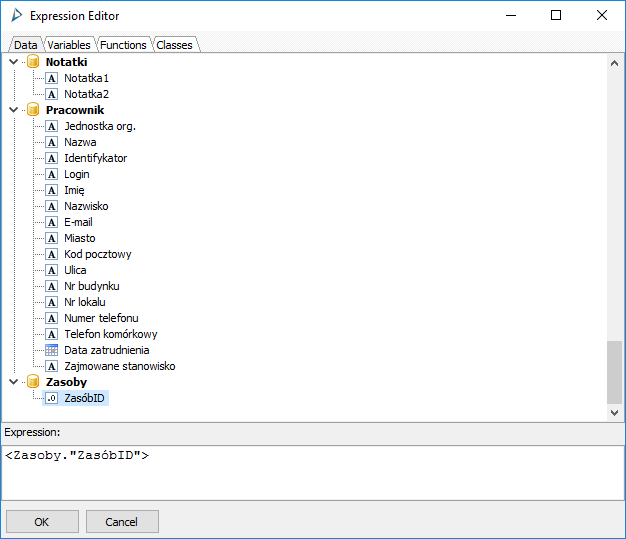
You can change the code type in the "Type of bar" field.
ServiceDesk portal
Reports in the ServiceDesk portal are available from the ServiceDesk engineer account in the tab Management portal.
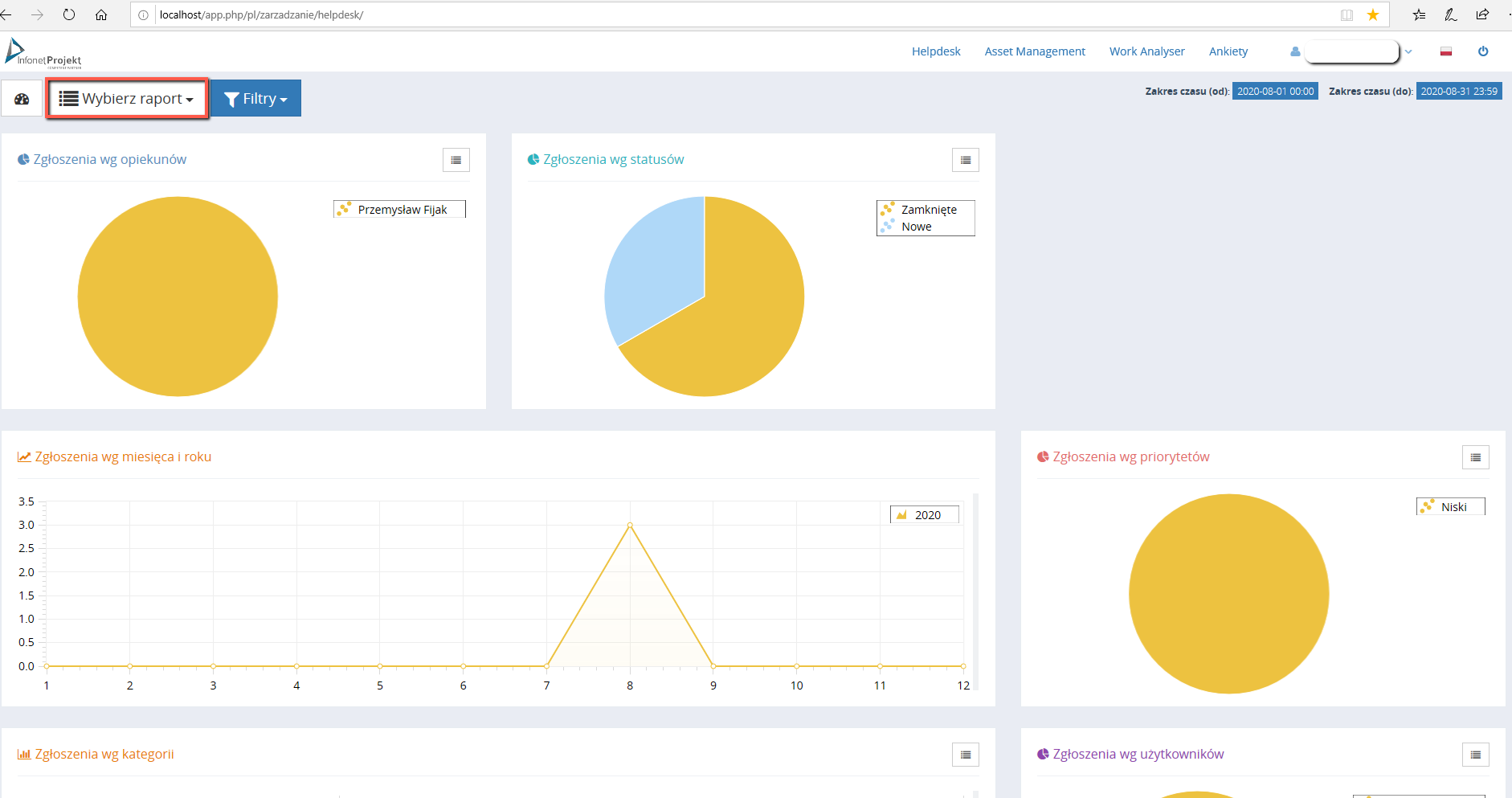
The reports are available in the console for the modules:
Asset Management
HelpDesk
Work Analyser