Removable media analysis
Analysis results
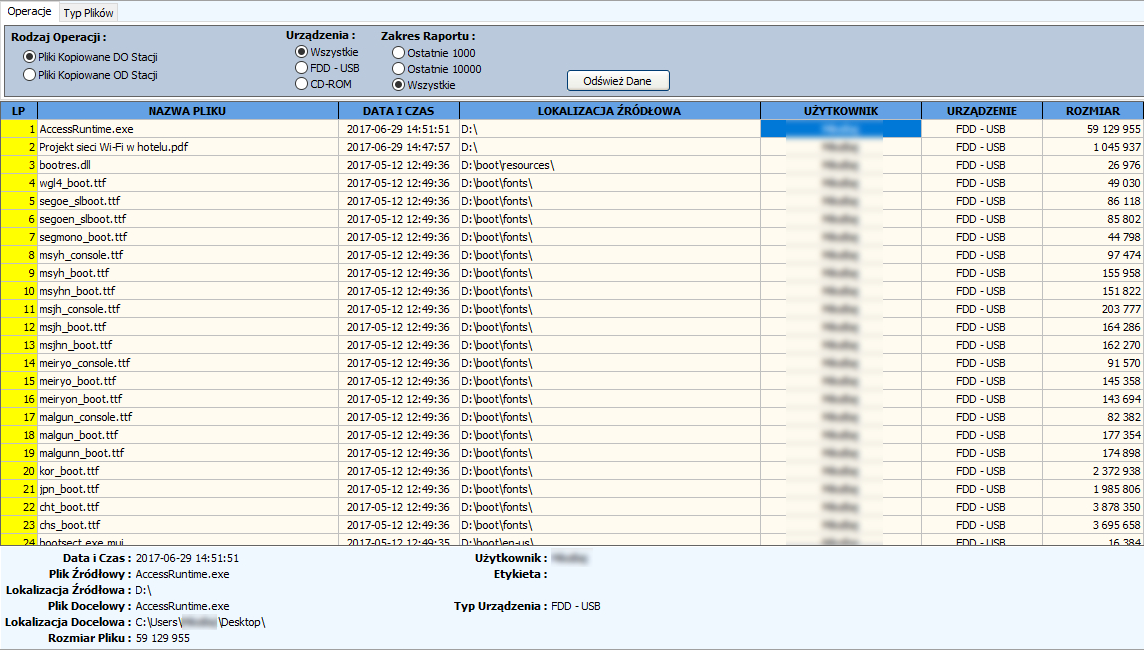
The Analysis results button is responsible for calling up the surveillance results window.
The operation window is divided into two tabs:
Operations - in the operation window, it is possible to display files copied from/to the station with detailed information about the file itself (name, date, location, size, user, device type).
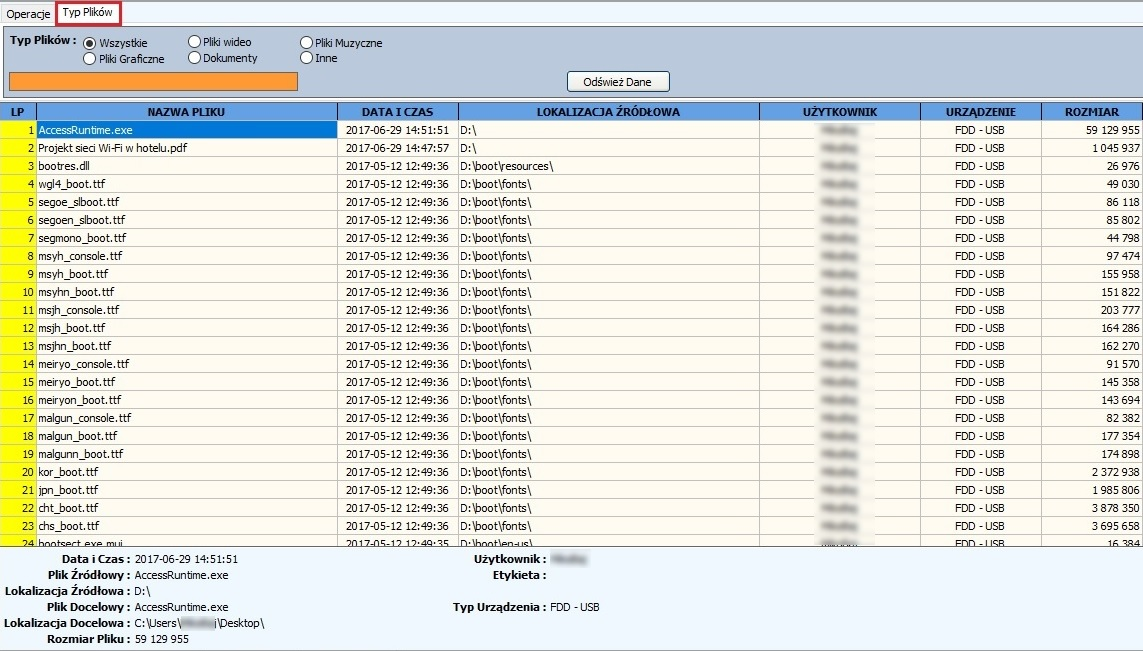
Files type - the tab responsible for displaying filtered files by type.
Removables reports
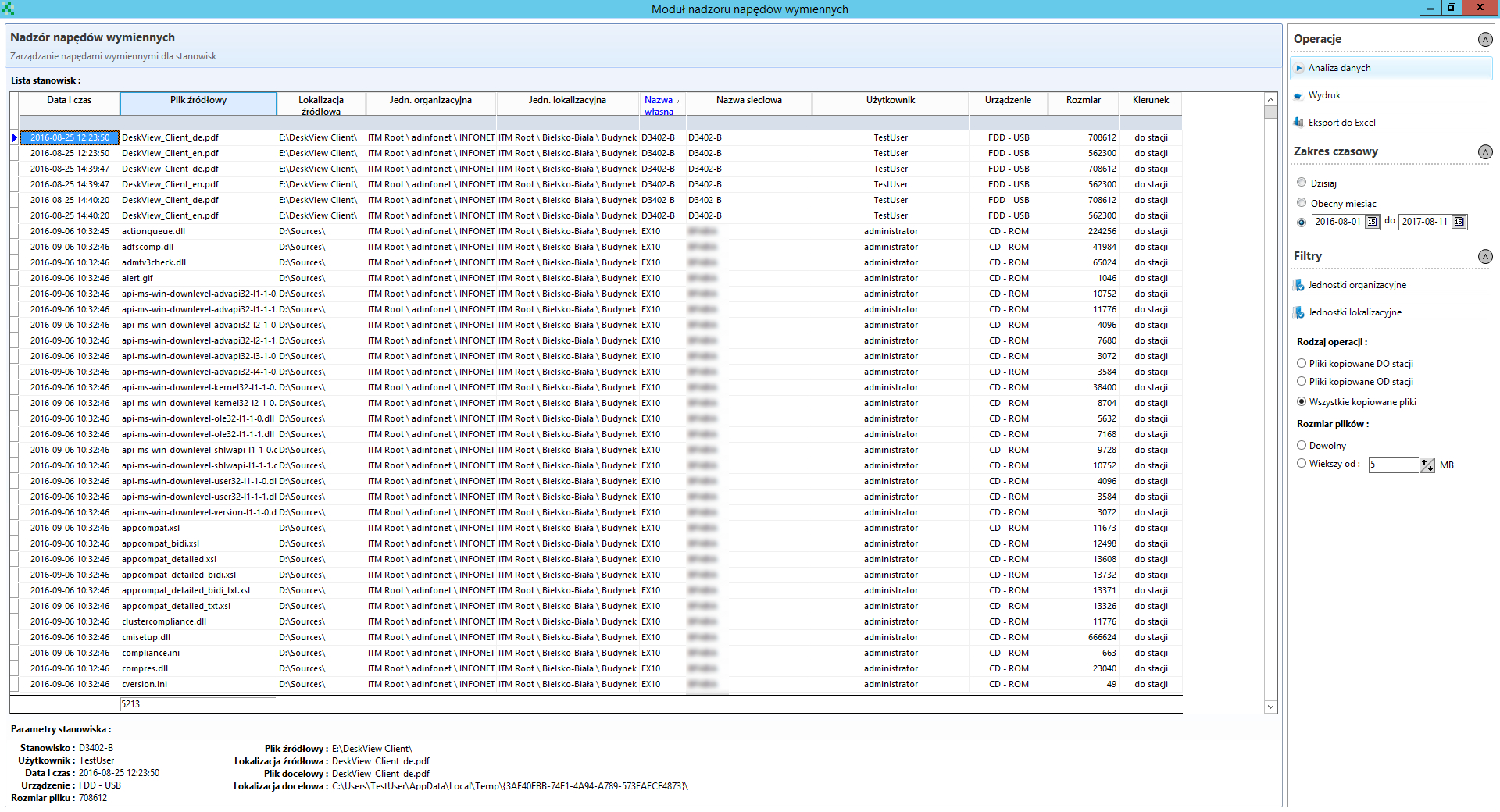
The tab Removables reports allows you to view all files copied from/to the station with the possibility of sorting by users, stations etc.
Removables locker
You can define which stations are to be blocked for USB, FDD, CD, modem and network ports in the Removables locker window.
Device authorization
The tab Device authorization allows you to add external media to the authorized ones. To do so, click on the button Get USB device list.
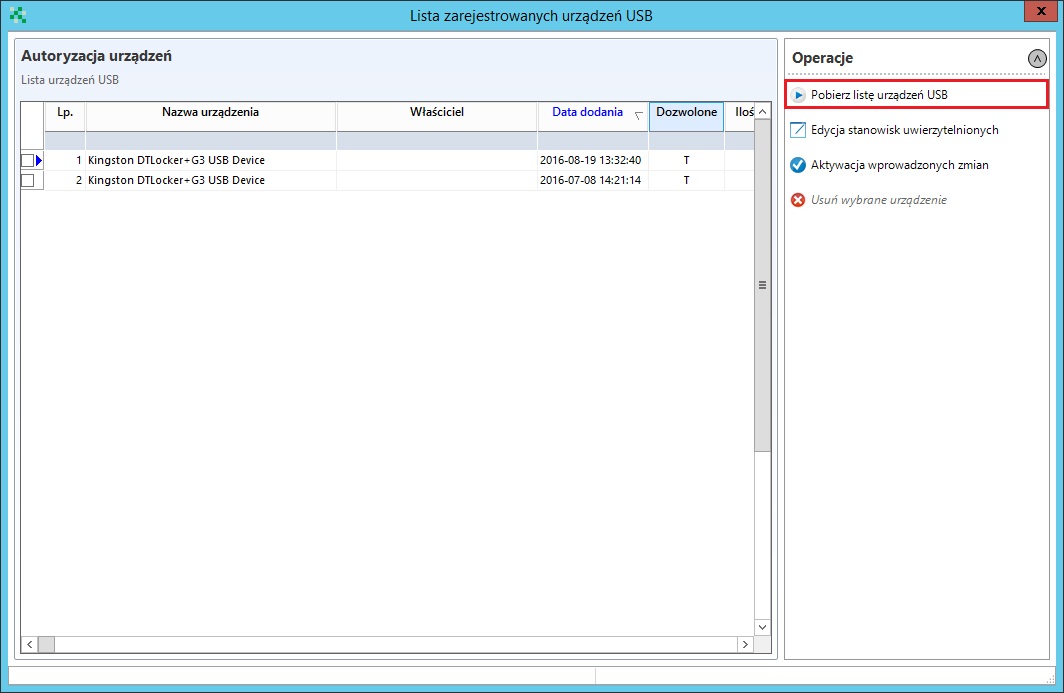
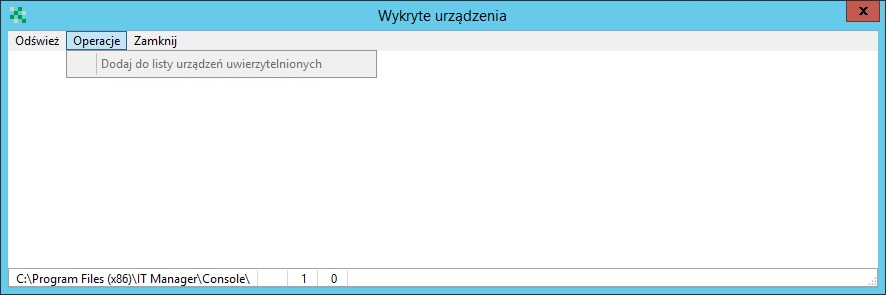
Then in the window Detected devices select the refresh option, after the detected USB devices appear, add the device to the list (Operations->Add to allowed device list)
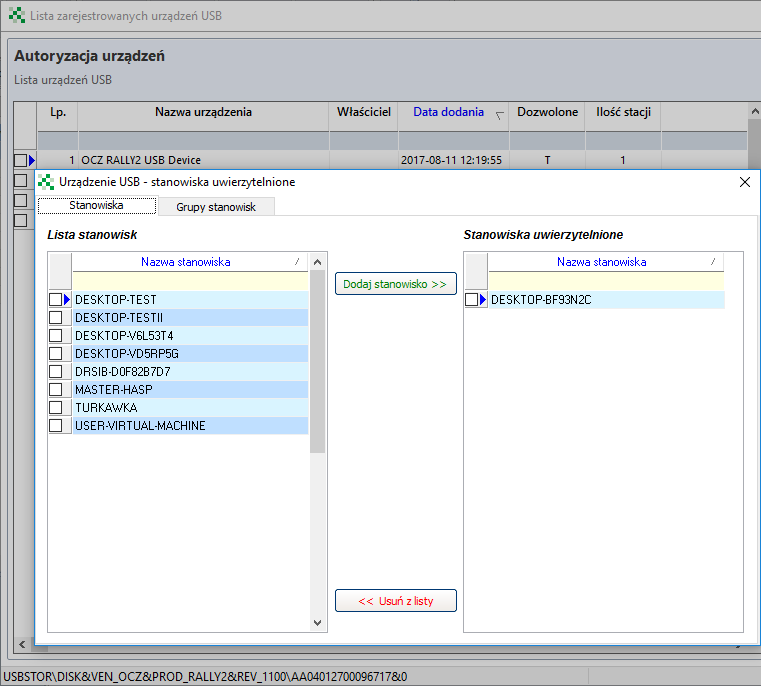
When the selected device appears in the USB device list, select Edit allowed workstations
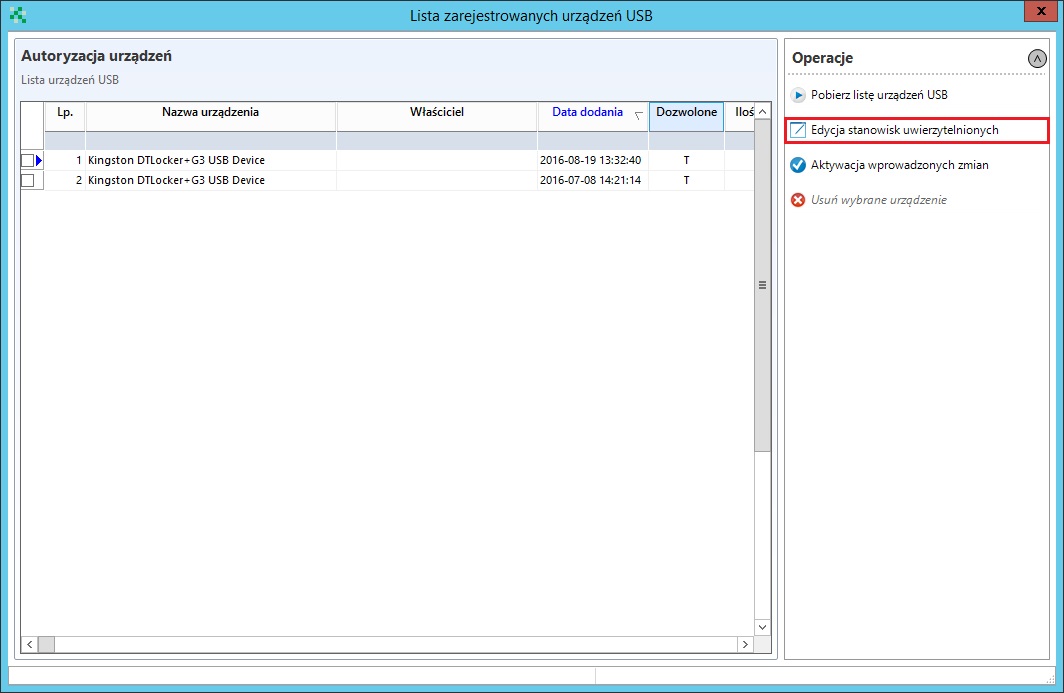
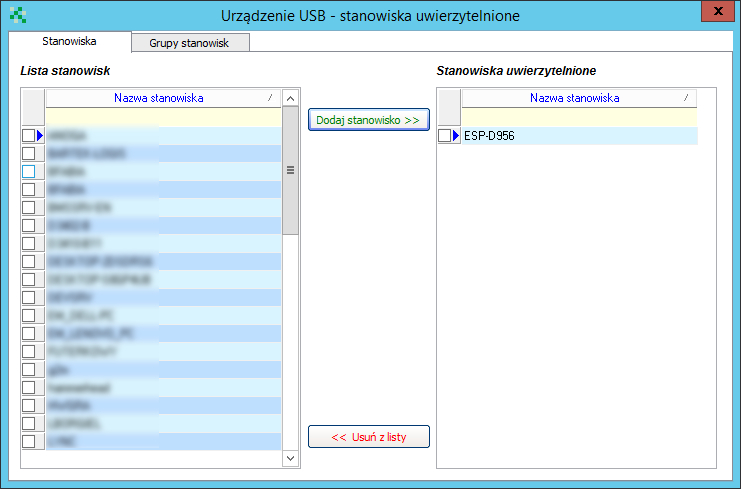
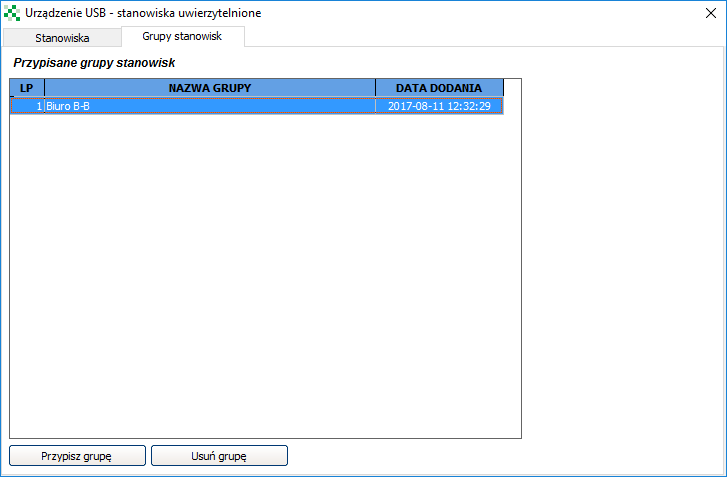
In the new window, you can select the positions individually
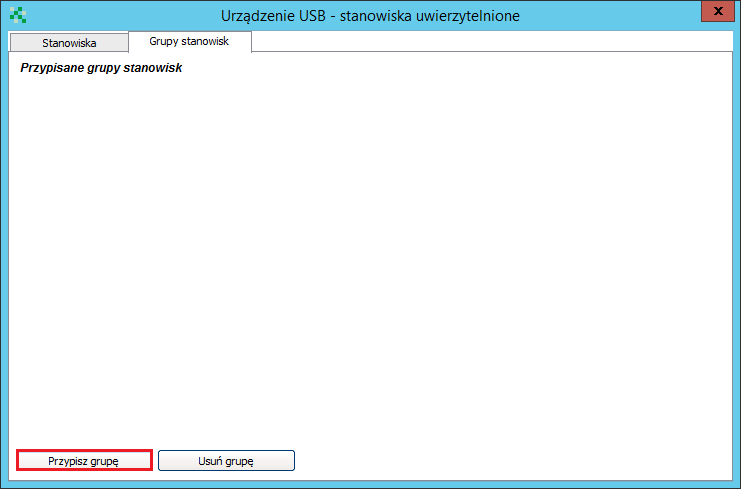
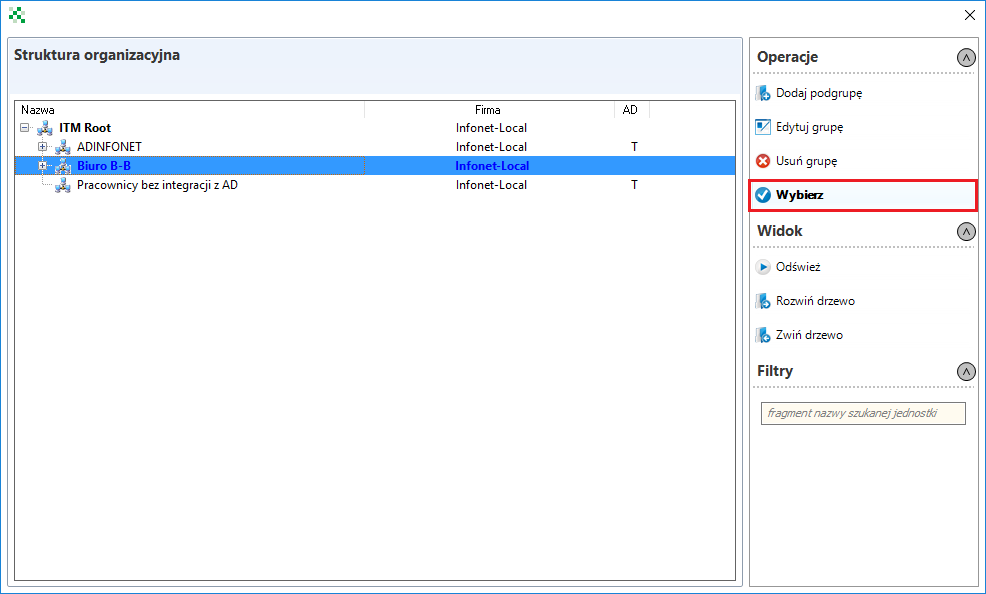
or in groups after organisational units
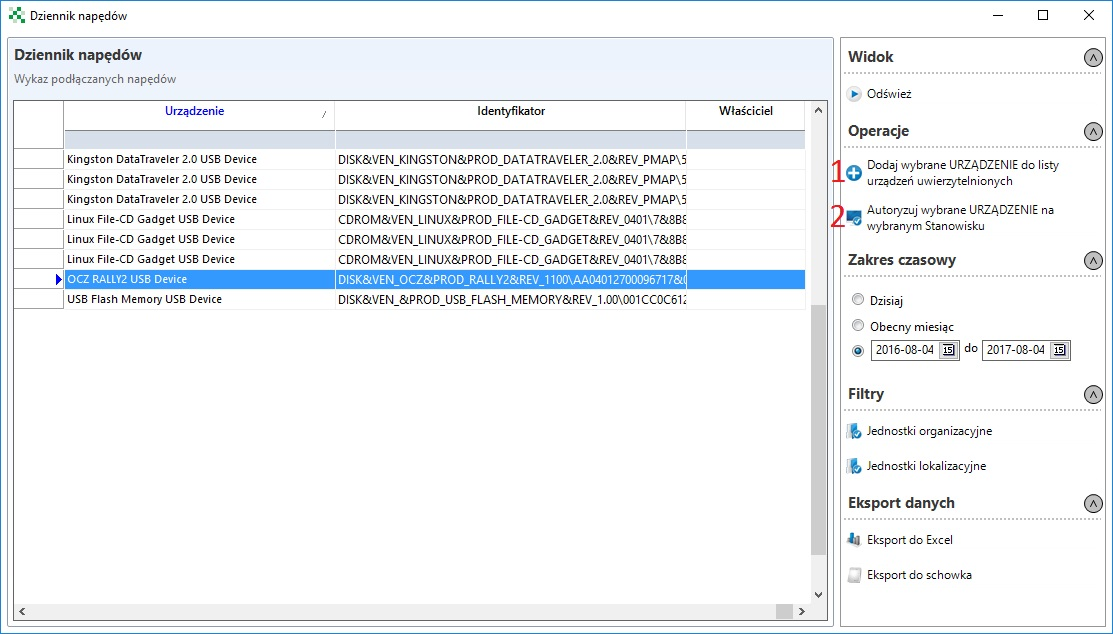
Removables plug-in log
You can view the devices that have been connected to specific stations in the Removables plug-in log window. Clicking the Add selected device to authorized devices list and then Authorize selected device on selected workstation will automatically add the device to the list of authorized devices at the selected station.