
Organisation structure
Organizational structure contains trees with structures of the **Organisation, Localization, License and Relations Attributes that are independent of each other.

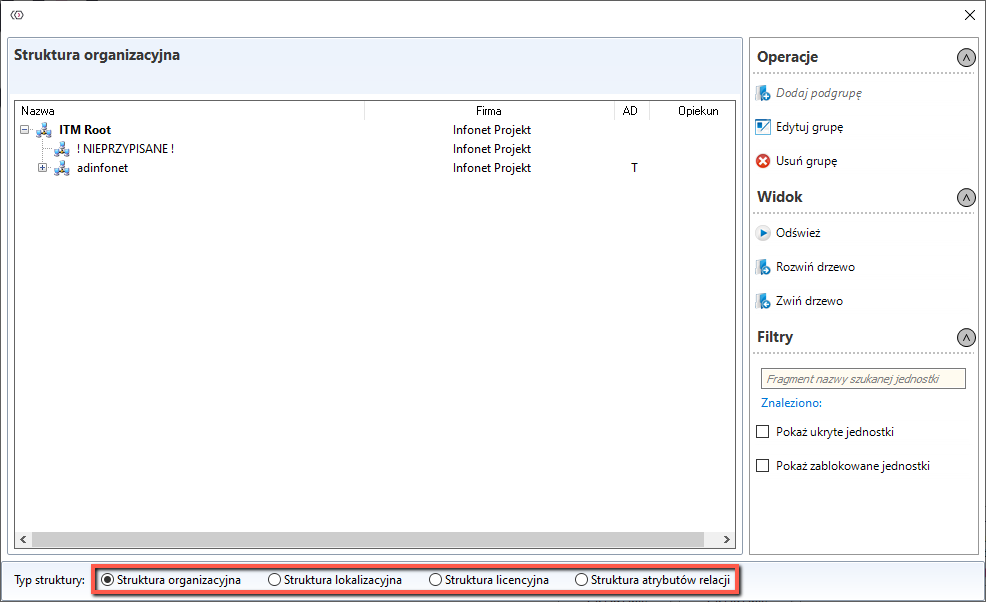
Thanks to the panel on the right in the tab Operations it is possible to add new subgroups under the button Add subgroup
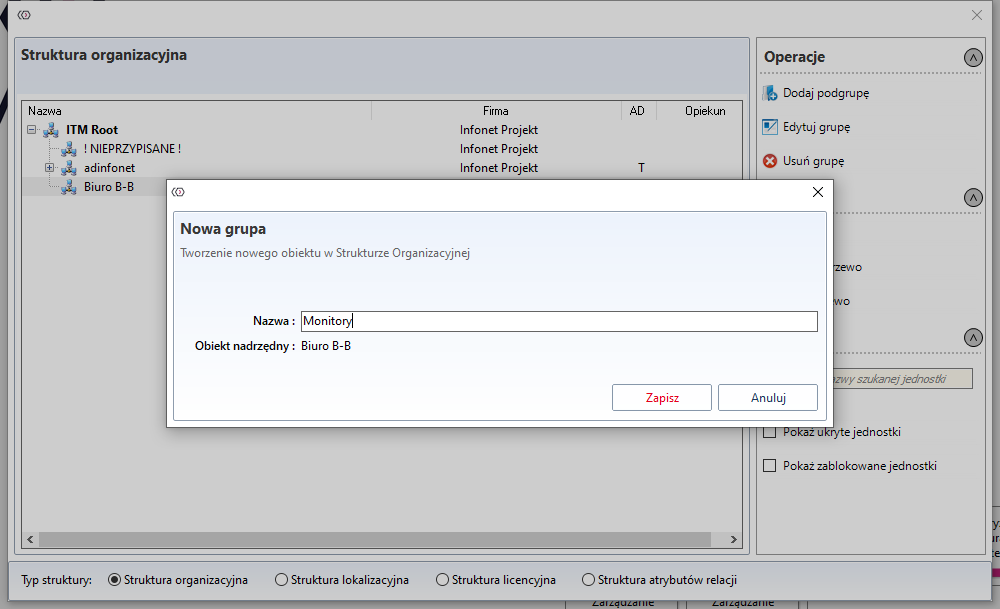
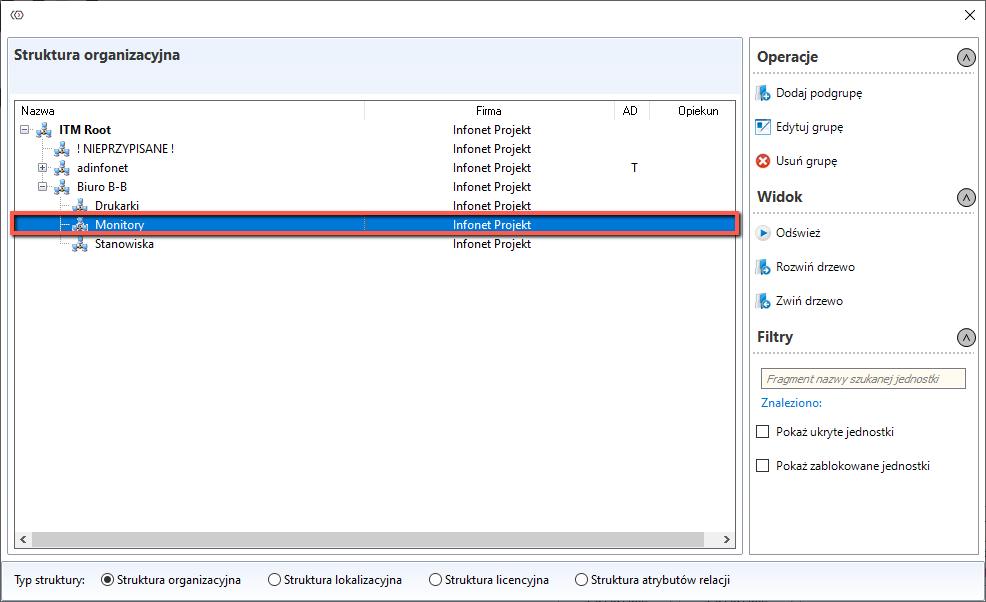
A new subgroup will be added under the currently selected group, which will be the parent group for it, in the example given for the subgroup Monitors the parent group will be B-B office.

WARNING
Group ITM Root cannot be edited
Basic information
Clicking the Edit group button will open a new window
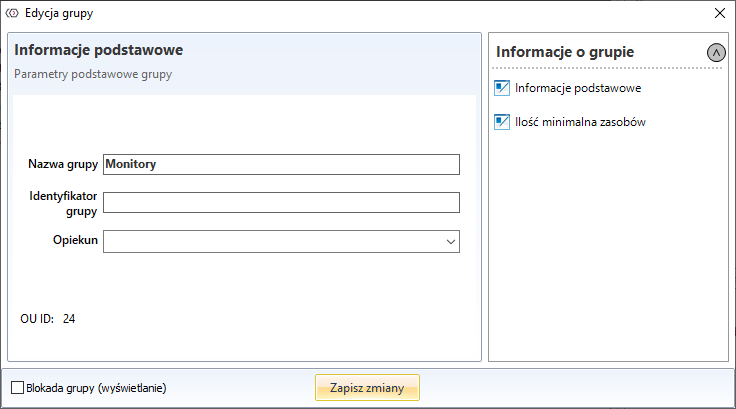
At the bottom of the window there is an option ** Group locking (display)** - selecting this option will hide the unit in the workstation list. It will still be possible to add resources to the hidden unit.