
Data wizard
Introduction
The tool allows for mass import/export of resources and other data types. This is an extension of the previous Infonet DataTools tool, which provides a clear and intuitive graphic interface.
Component files:
ClosedXML.dllDapper.Contrib.dllDapper.dllDocumentFormat.OpenXml.dll.Infonet.SharedCode.dllInfonet.DataWizard.exe
Most operations are performed on files in xlsx format, Office Open XML, according to ECMA-376, ISO/IEC 29500 standard.
The tool does not have to be located directly in the console folder.
Exporting resources
In order to export resources from the database, select Export.
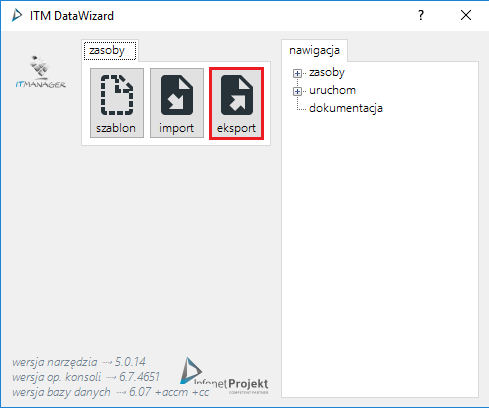
Then, by clicking on it, you can go to the type of resources you want to export
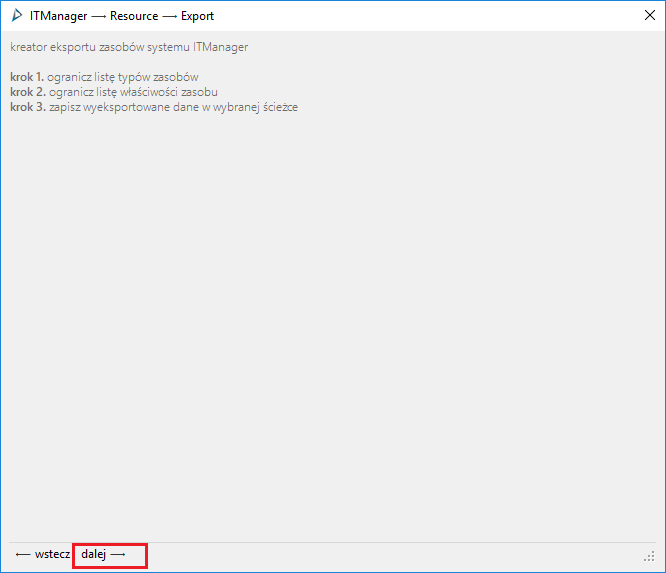
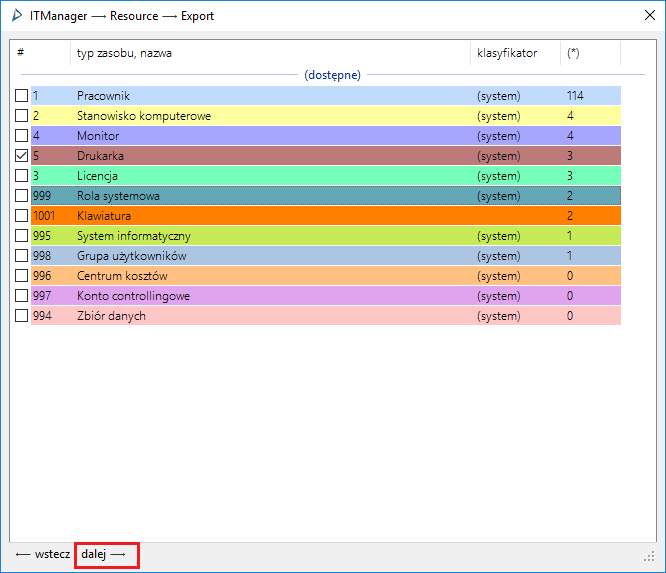
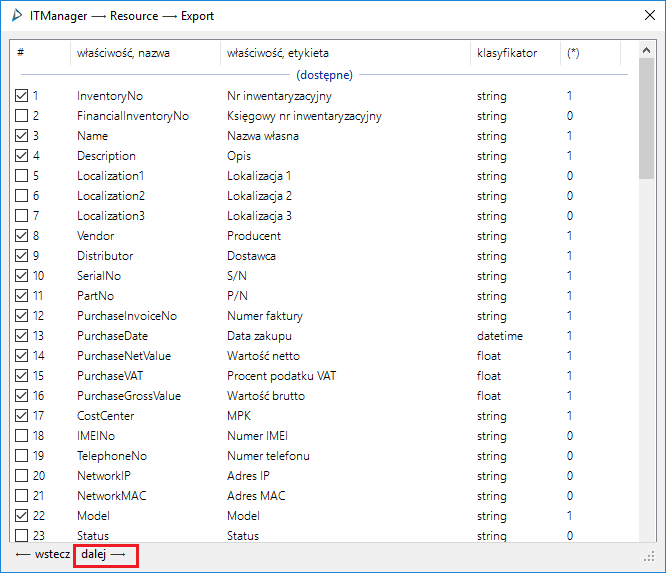
In the next window you will be able to select the fields to be exported to the file
The last step is to indicate the path to the file. The file is saved in the format .xlsx.
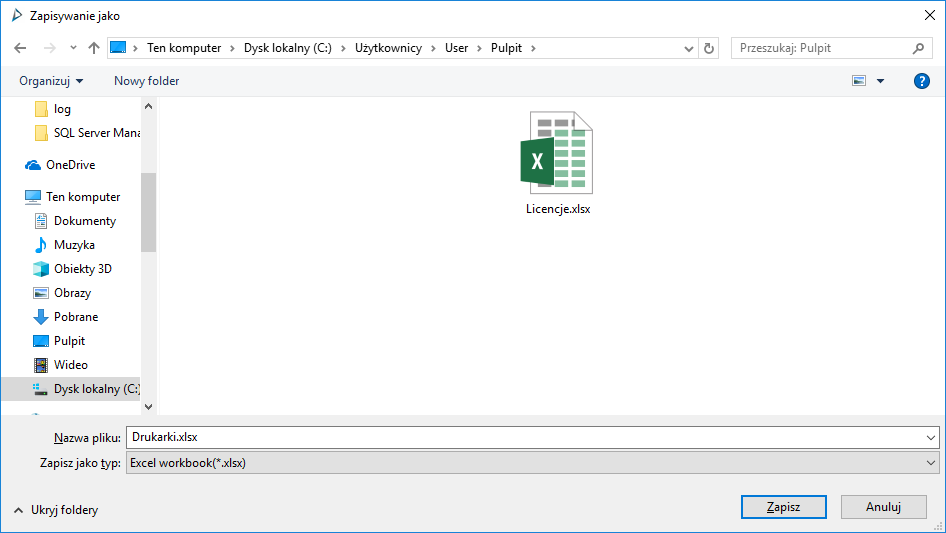
Preparing a document for import
In order to add/edit data, it is sufficient to enter the relevant data into the cells.

Important
When adding a new row, leave Resource_id blank and complete the #resourcetypebyname column with the name of the resource being added. The remaining fields can be freely completed.
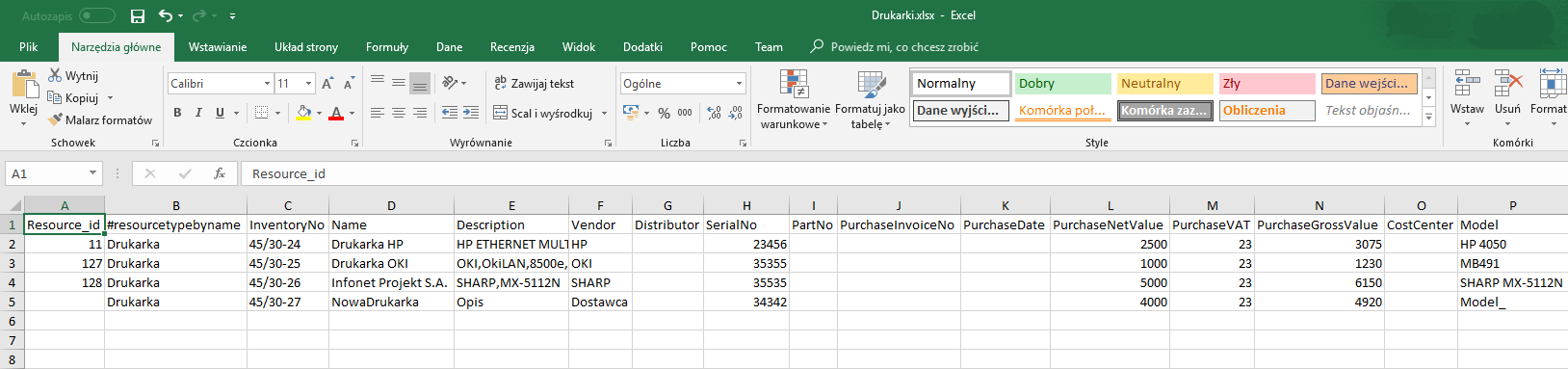
Resource imports
In case of Import, select the file from which the data are to be loaded into the database.
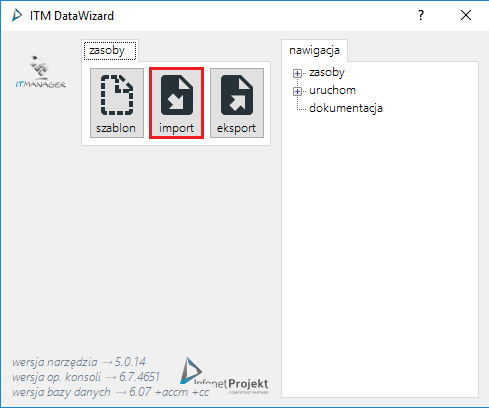
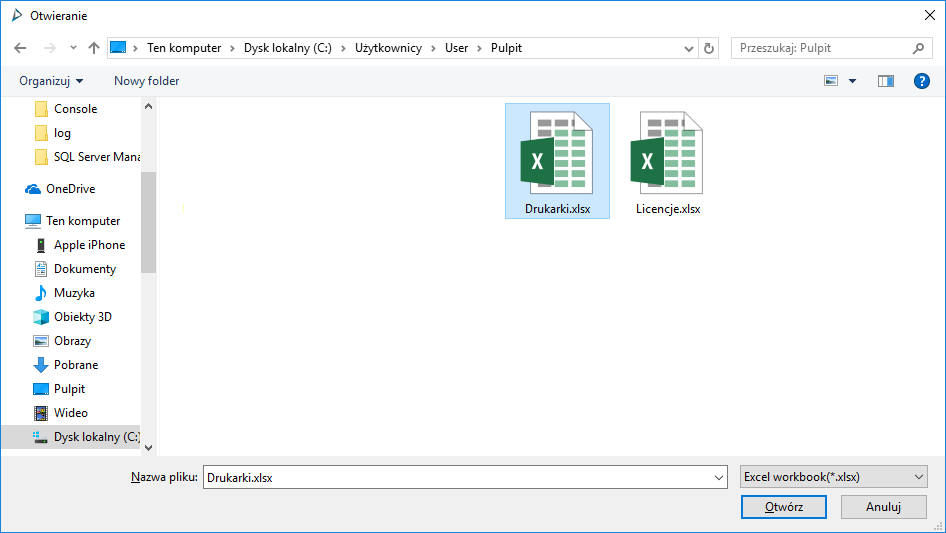
Then the preview window will open
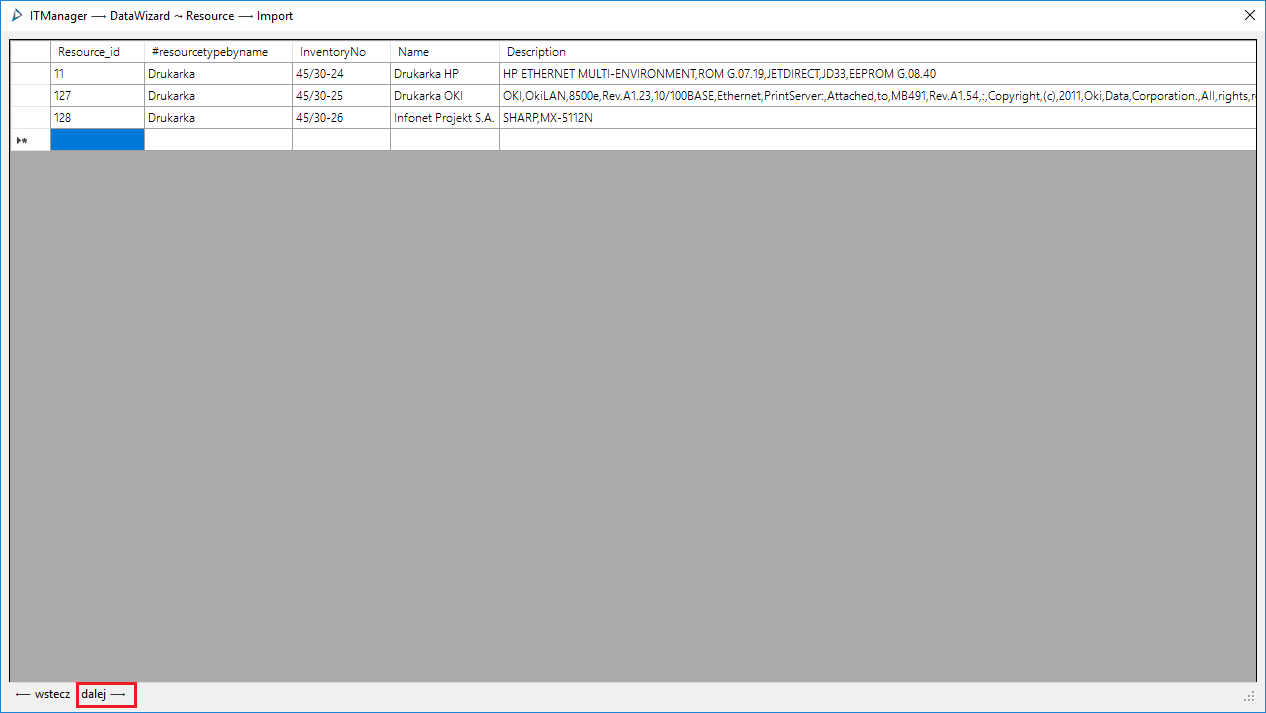
After clicking on the button, the data will be imported.